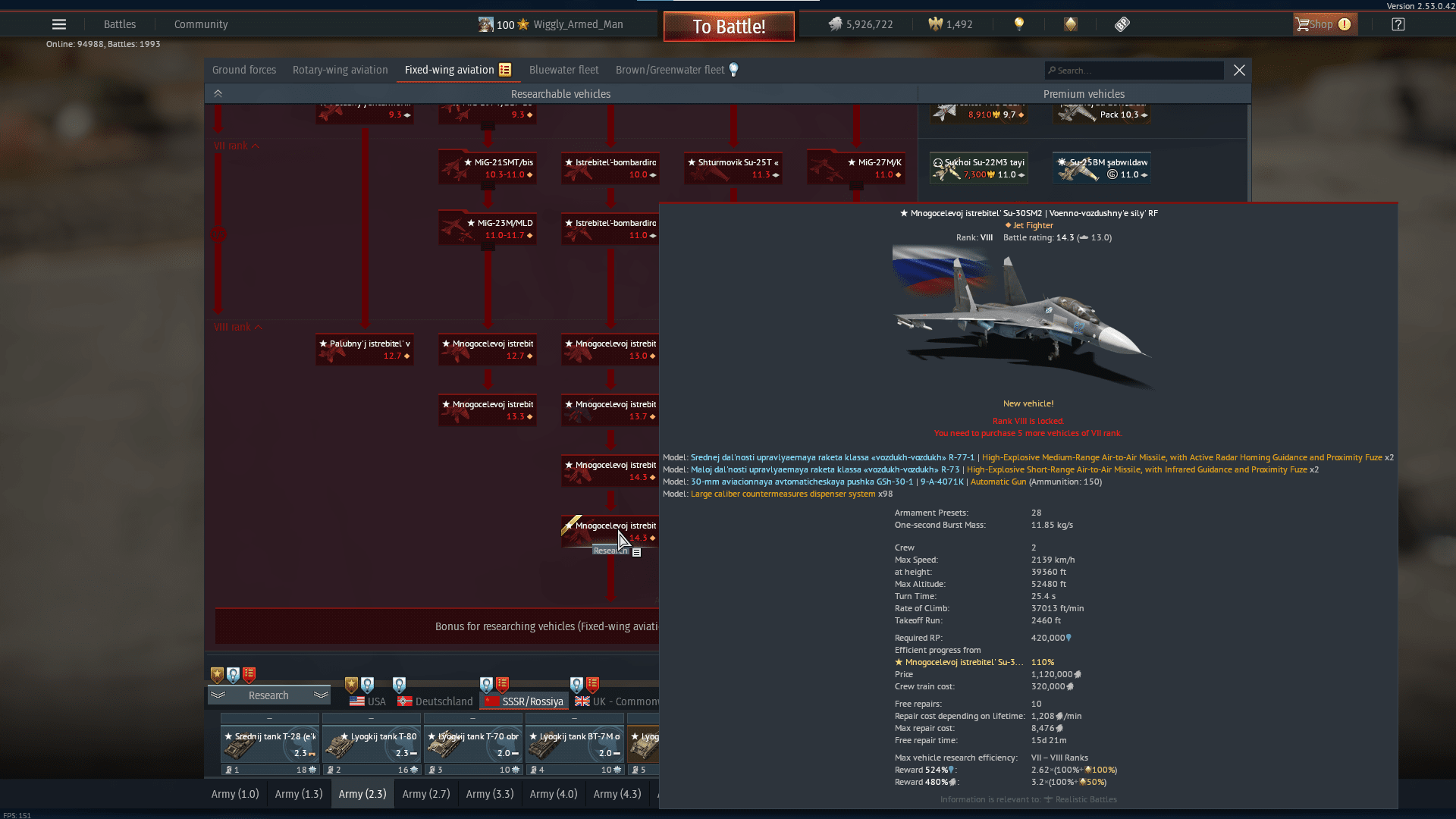
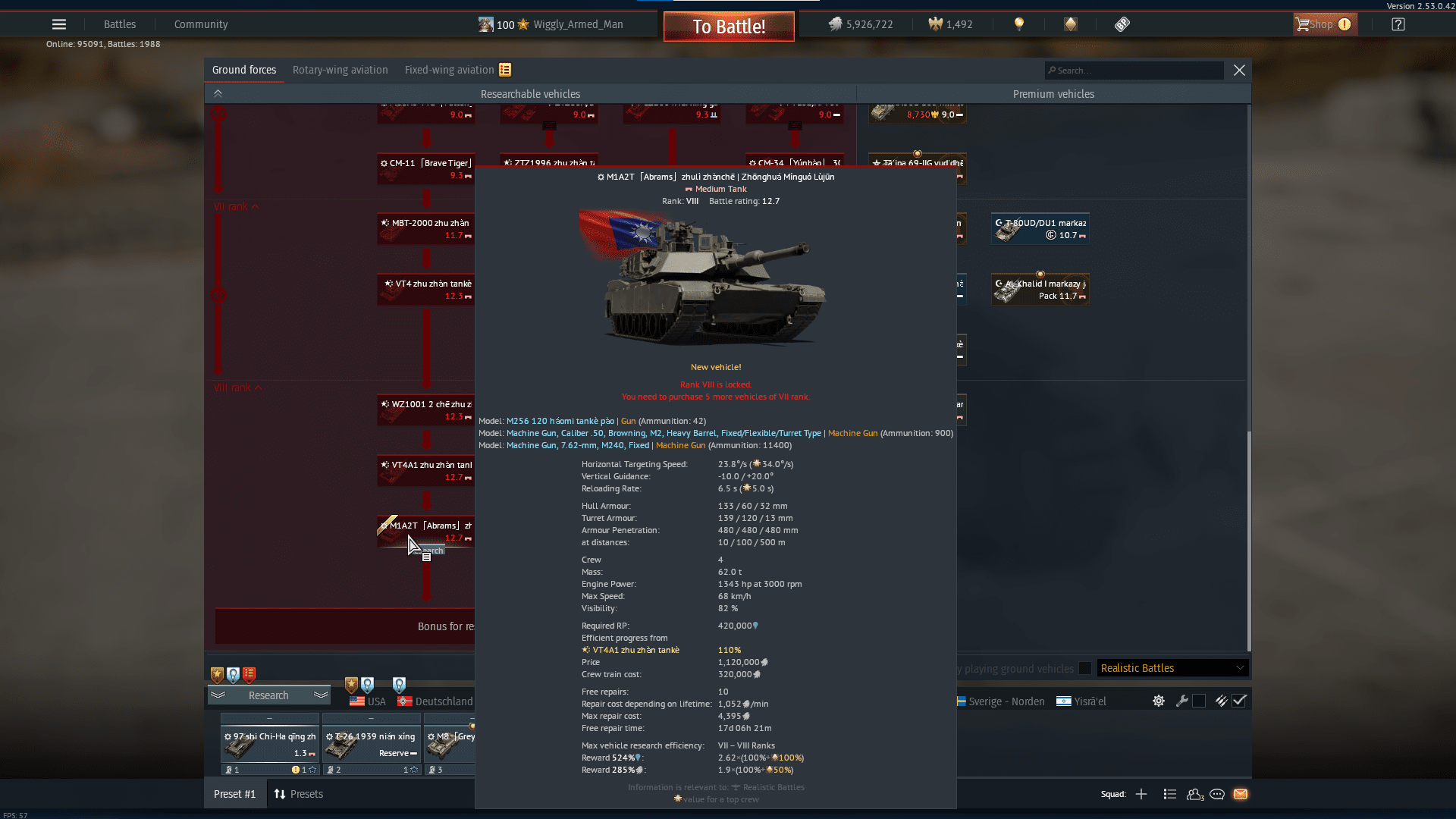
This is not a camouflage
Localization Overhaul Project
Mod Version: Release 1.3.09
Game Version: 2.53.0.42 "Line of Contact"
This custom localization replaces the names of all of the vehicles in the game to their full and official names. If you encounter any bugs or errors then feel free to either post here or on the official War Thunder thread for it that will be posted below.
Compared to the last version, 1.3.08, this updates the mod for 2.53 "Line of Contact."
Last version, 1.3.08:
https://live.warthunder.com/post/1148727/en/
Changelog
General
All missing localization added and modified per existing standards.
Color has been added to all weaponry and ammunition names, along with short descriptions of what they are.
Ground Vehicles
Status of SIDAM 25 (Mistral) changed from "prototype" to "partial prototype."
Air Vehicles
Dash removed from in between "4" and "gata" in name of A5M4.
Kh-29TE modification has been clarified.
Naval Vehicles
The group name for the Chapaev, the Sverdlov, and the Mikhail Kutuzov has been shortened to fit the folder width.
Status of RN Etna changed from "1945" to "uncompleted".
How to Install
1. Download the mod.
2. Right-click and the file and select 'Extract All'. Skip to step 8 if you have already enabled testLocalization:b before.
3. Find the game folder, it should be '.../War Thunder' and, if using Steam, '...Steam/steamapps/common/War Thunder'
4. Find the config.blk file.
5. Open it using Notepad, Notepad+, or Notepad++, the free download can be found here:
https://notepad-plus-plus.org/downloads/
6. Open the file, and then use Ctrl+F, the Finding tool, or find the debug{ line.
7. Copy and paste this line into the bottom, ' testLocalization:b=yes', and it should appear like this:
debug{
screenshotAsJpeg:b=yes
512mboughttobeenoughforanybody:b=yes
enableNvHighlights:t="auto"
testLocalization:b=yes
}
8. Copy and paste the the localization.blk provided by the mod into the generated "lang" folder (War Thunder/lang).
9. Copy and paste all of the LOP_XXXX.csv files into the "lang" folder.
9a. Optionally, only copy and paste the LOP_XXXX.csv files that you want in order to change particular localization.
10. Start the game and the names should be changed.
How to get Involved
I invite anyone to help me with this project and would prefer if any critiques went either to private messages or to the official War Thunder thread. I also invite anyone to join the Discord server to be able to talk directly to me.
Official Thread:
https://forum.warthunder.com/t/localization-overhaul-project/15565
#localisation #localization #localizationoverhaulproject