☆*: .。.---- ENGLISH ---.。.:*☆
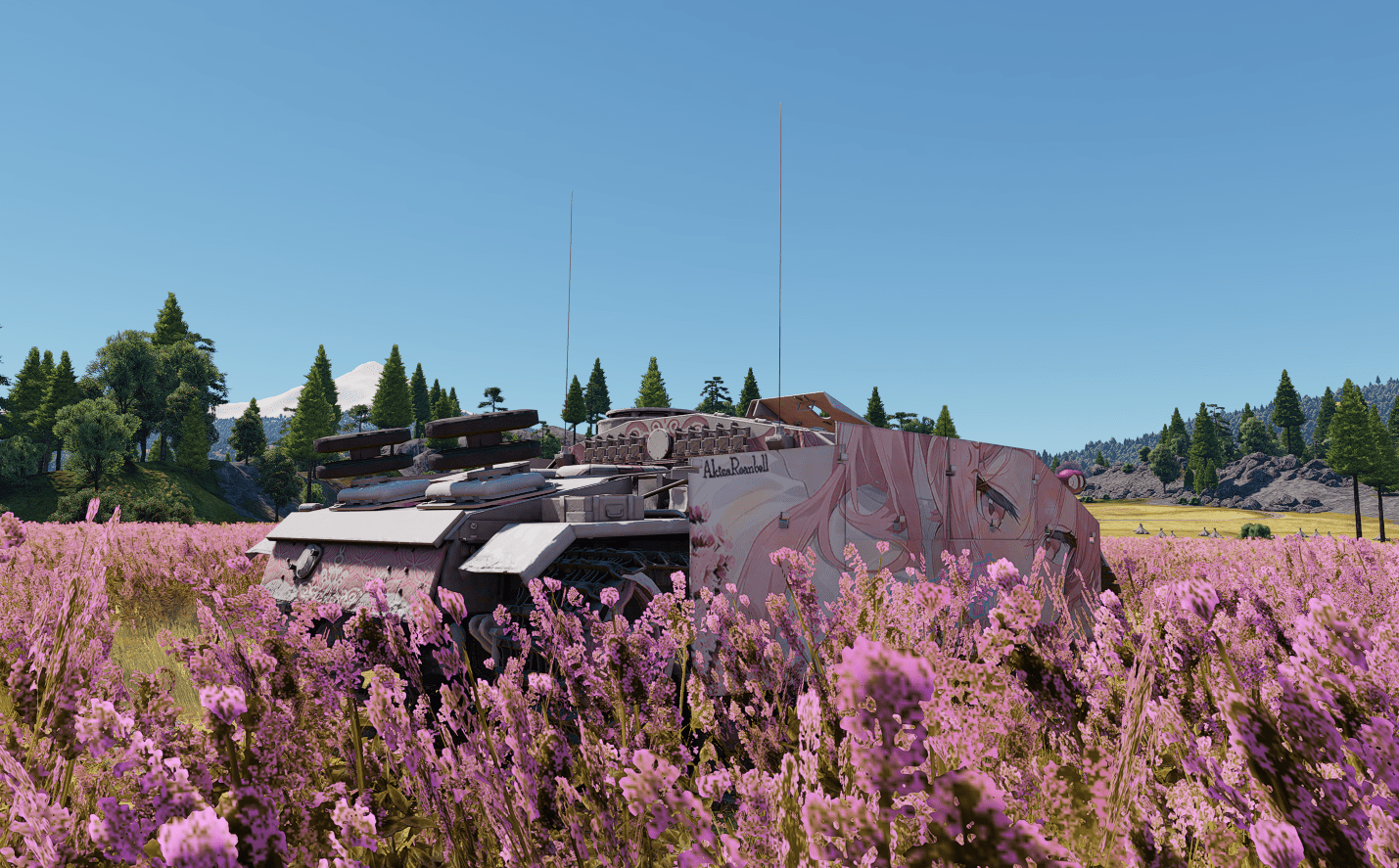
A project I started part-time out of boredom. I plan to release 2–3 similar camouflage mods per week.
Most custom skin creators focus only on top-tier vehicles, leaving lower and mid-tier tanks with very few options.
That’s the gap I want to fill.
Here you’ll find packs for different nations and Battle Ratings, giving attention to all tiers — not just the endgame ones — so you can customize any part of your lineup.
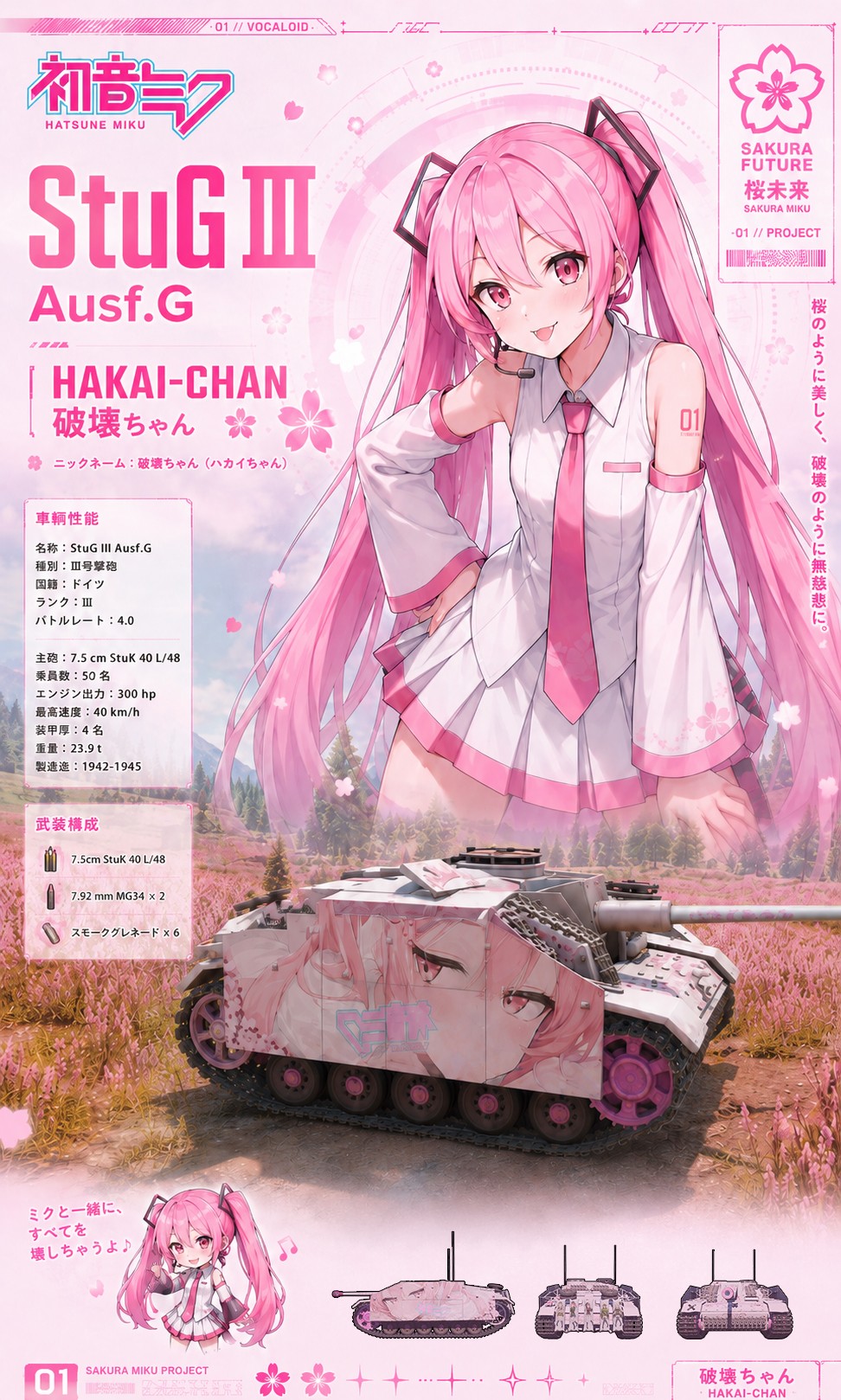
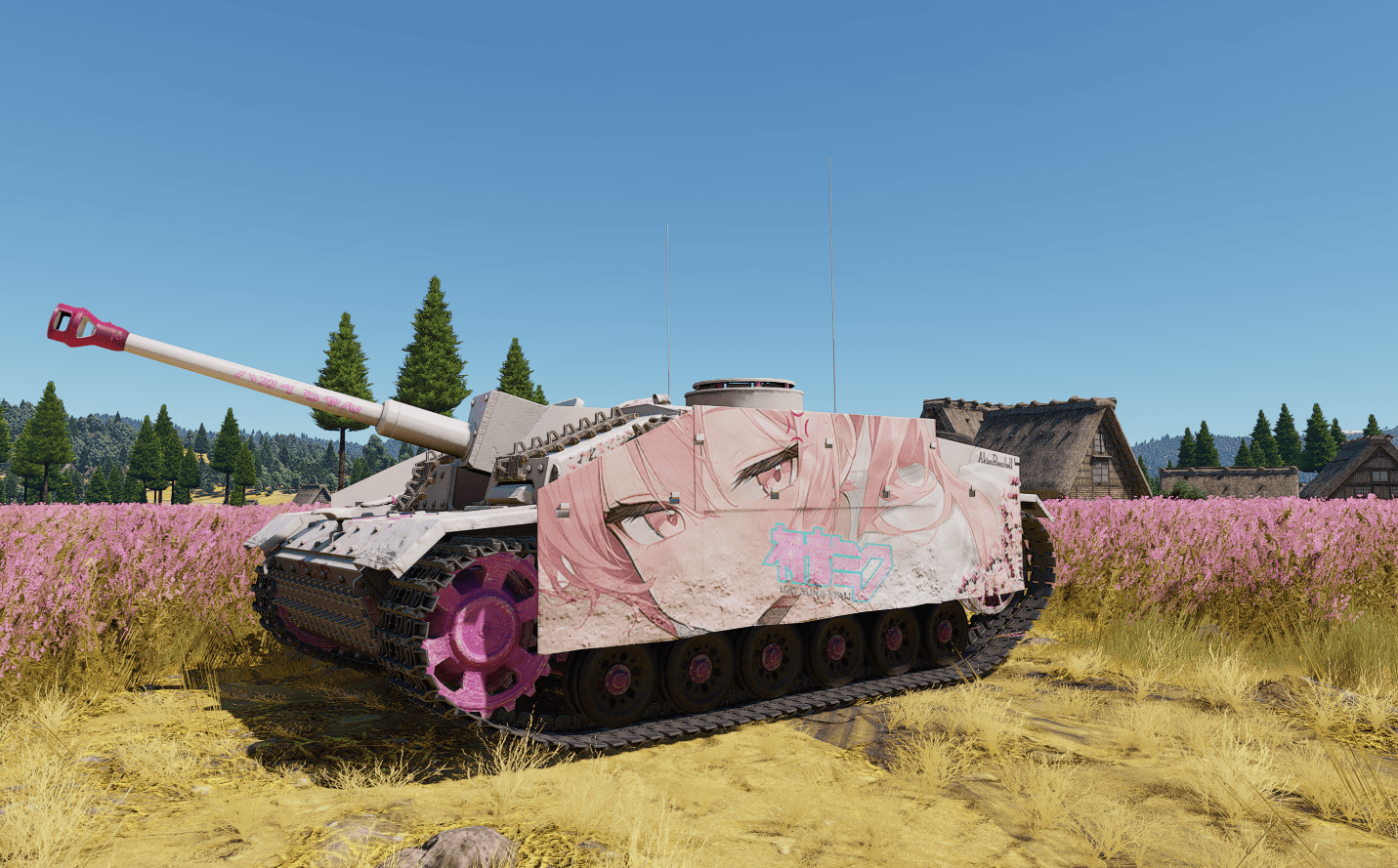
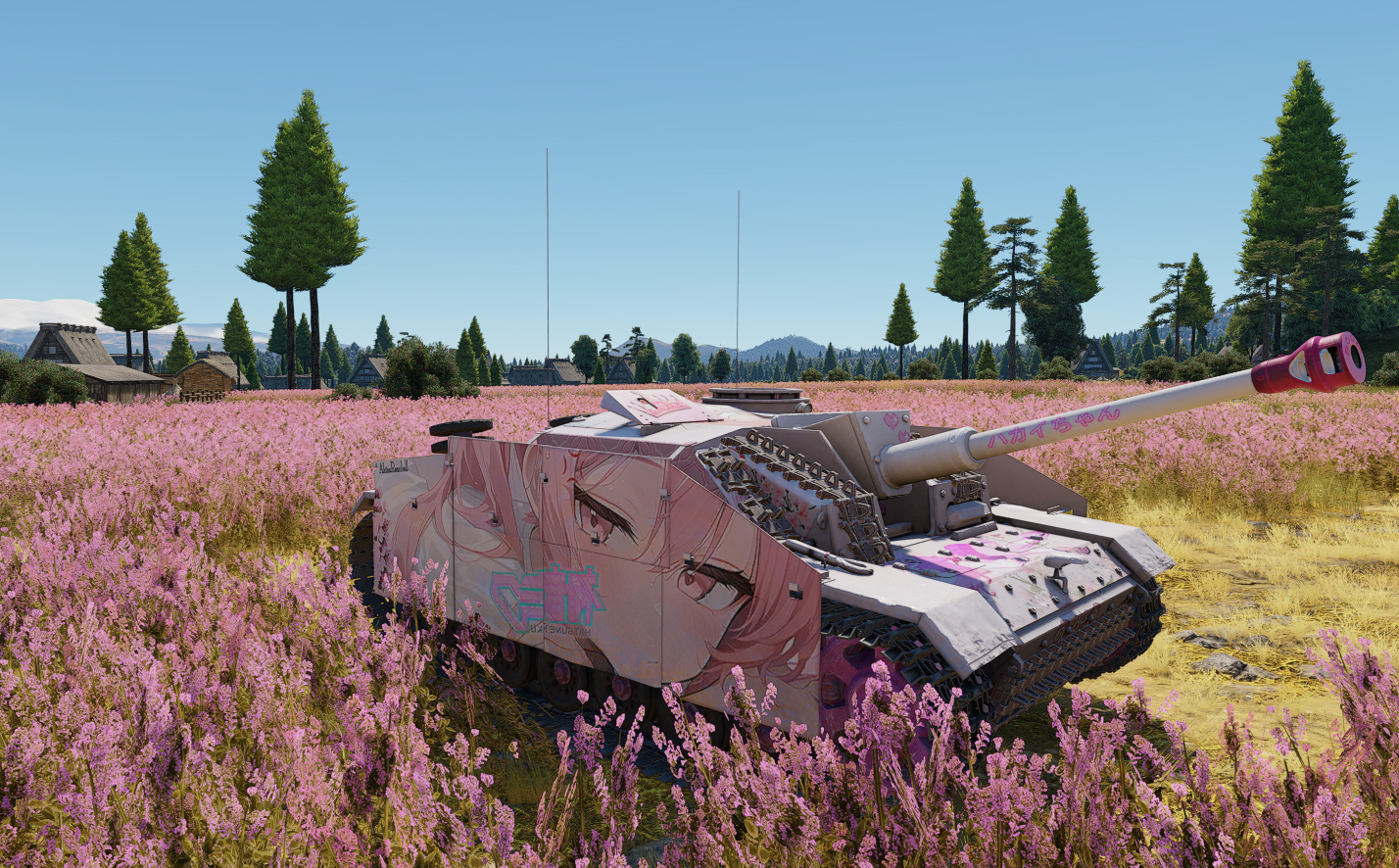
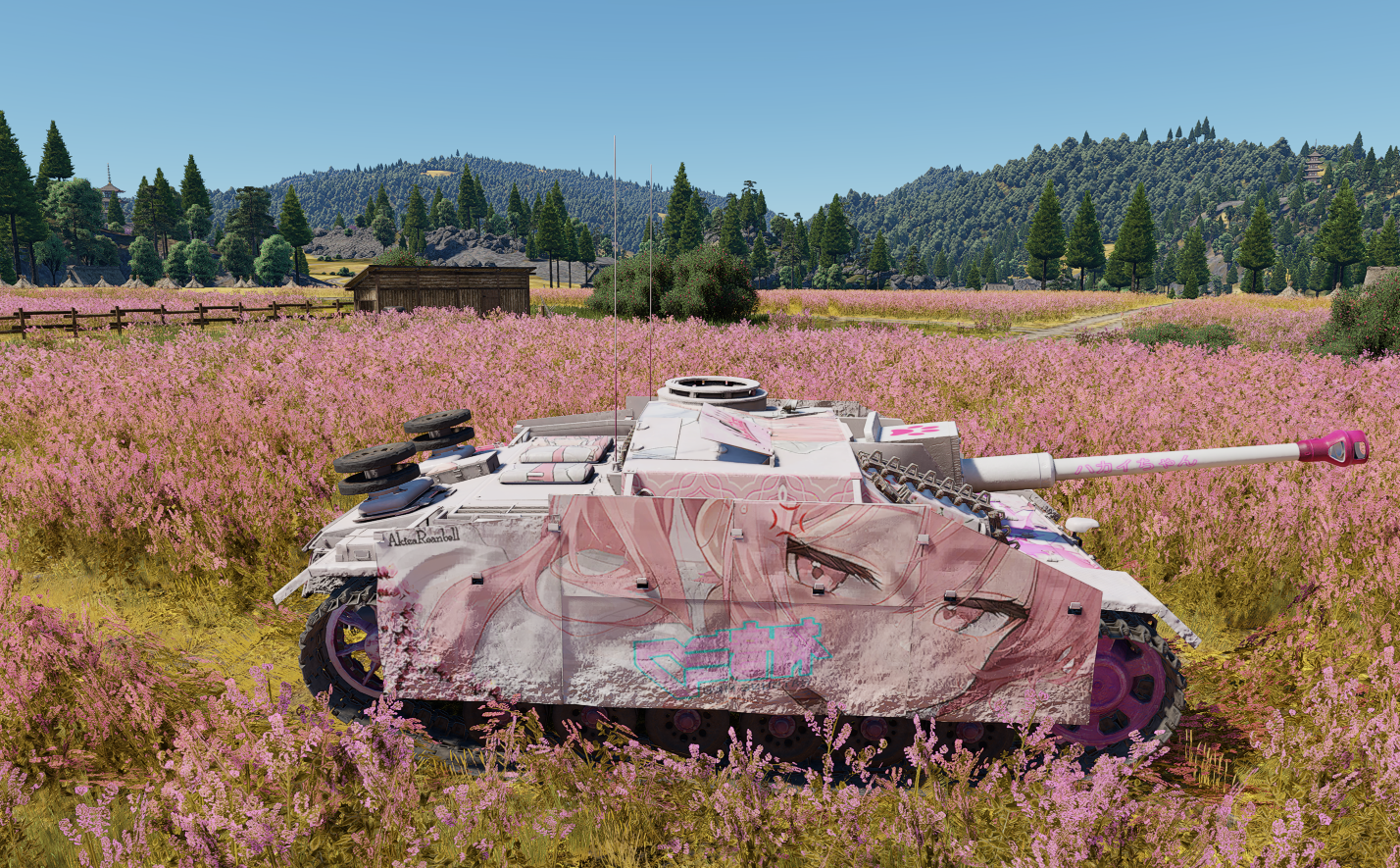
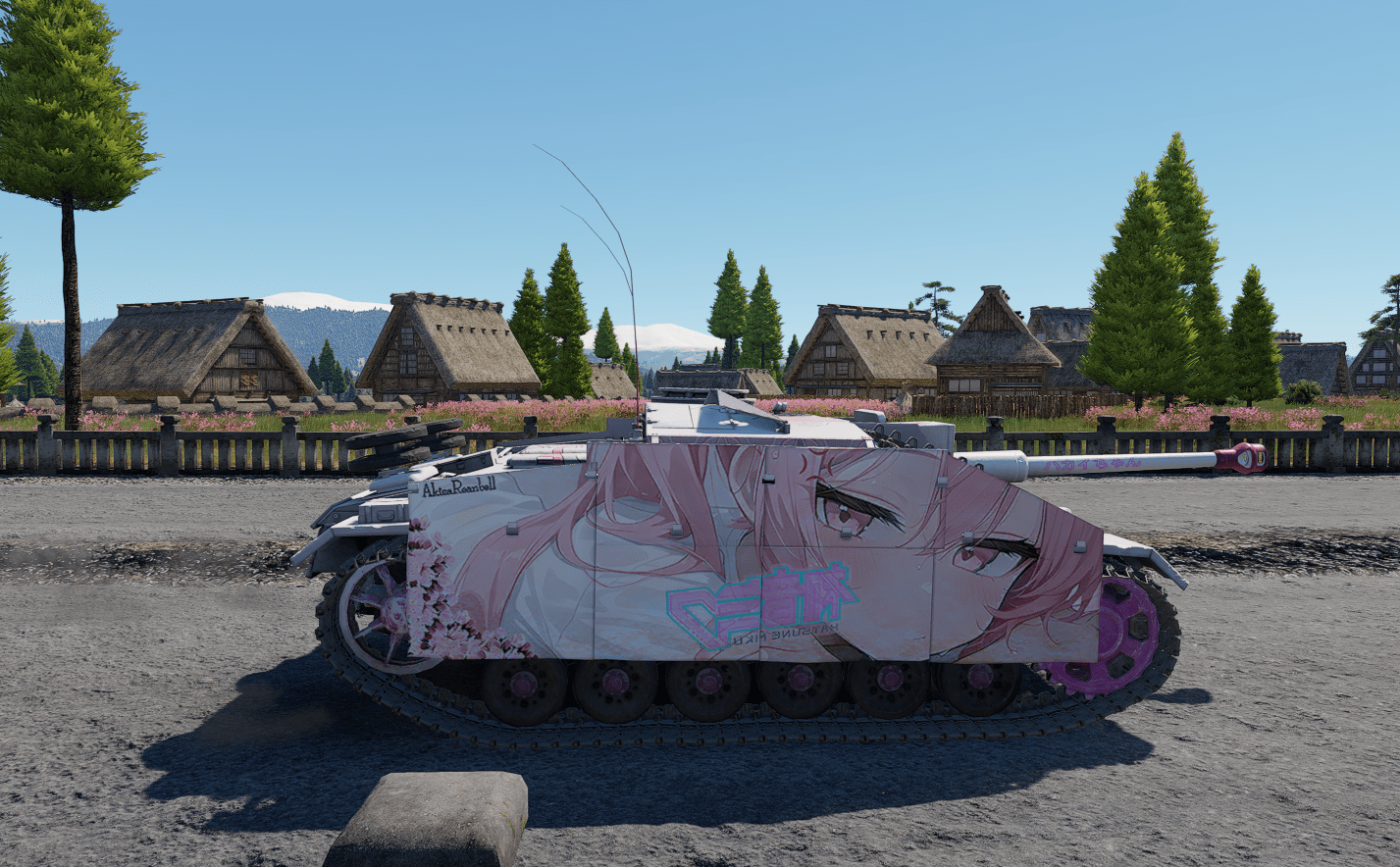
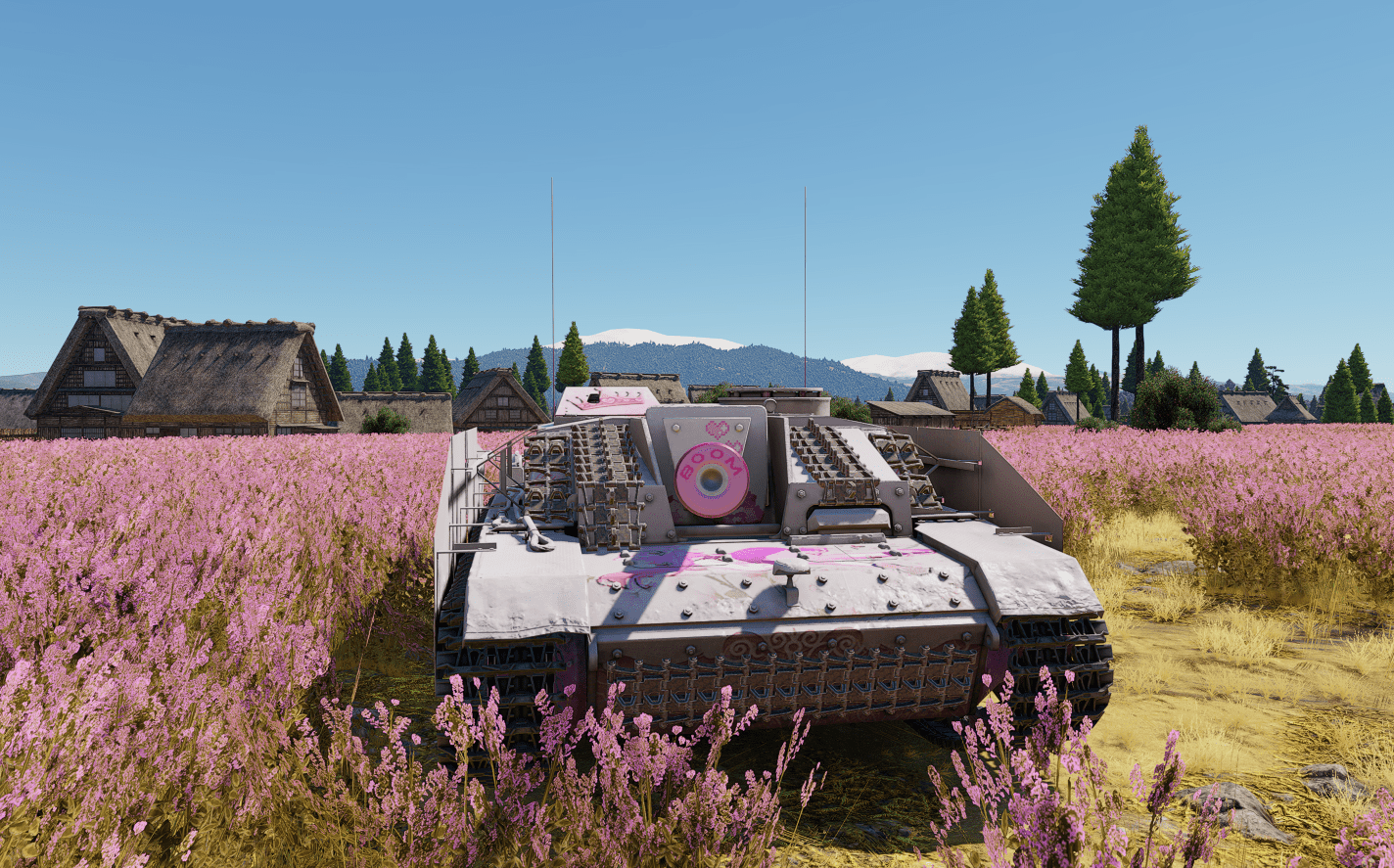
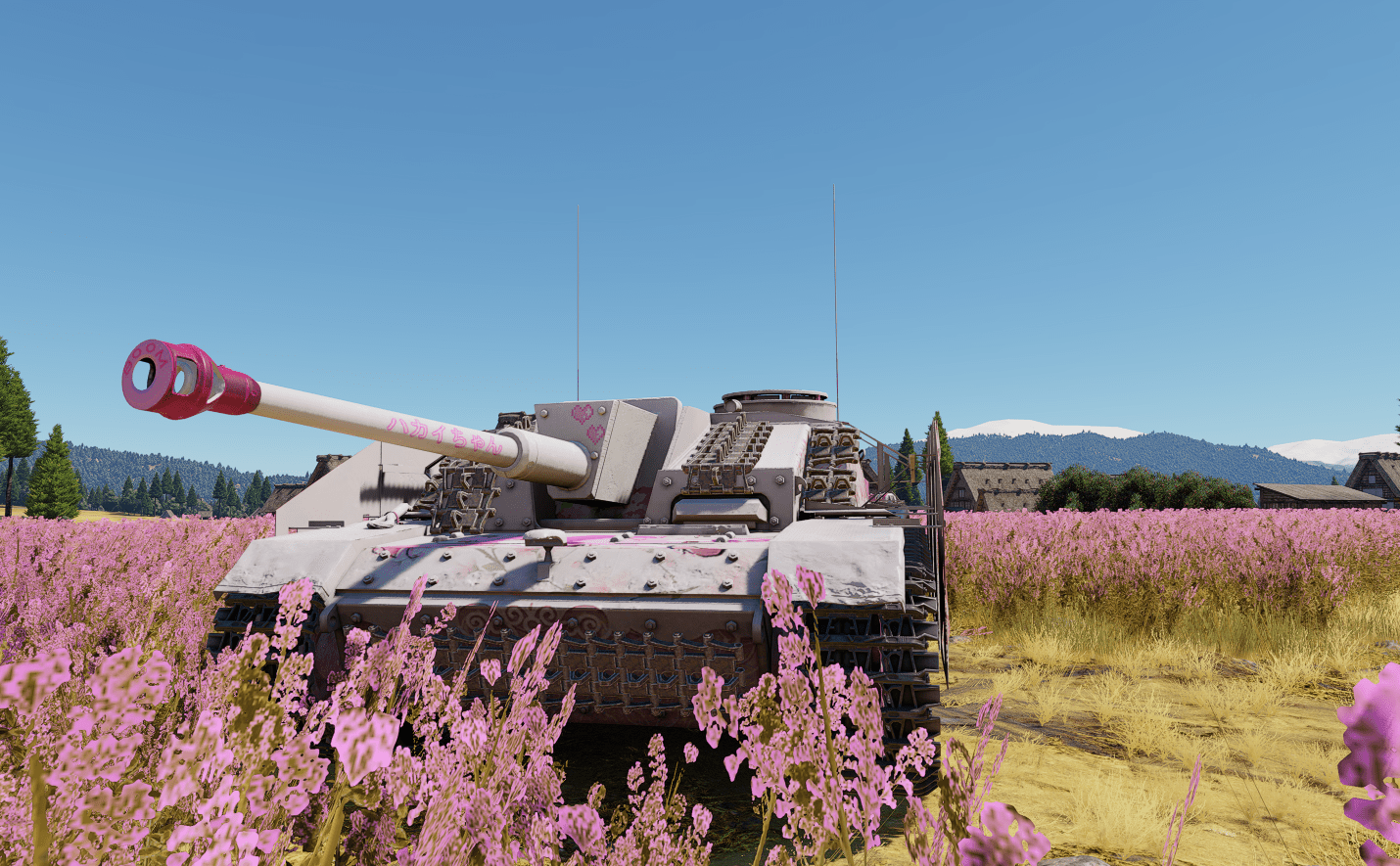
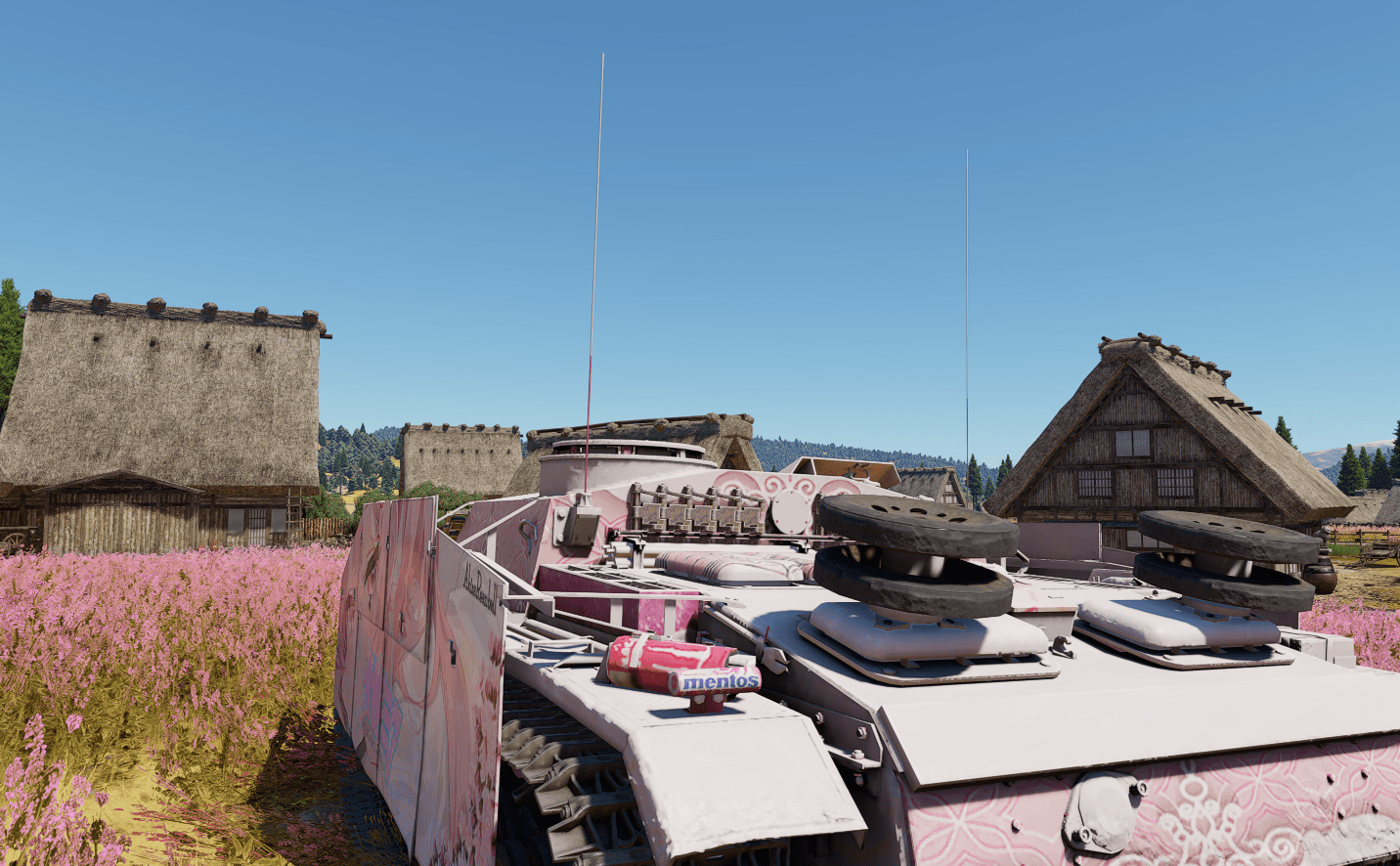
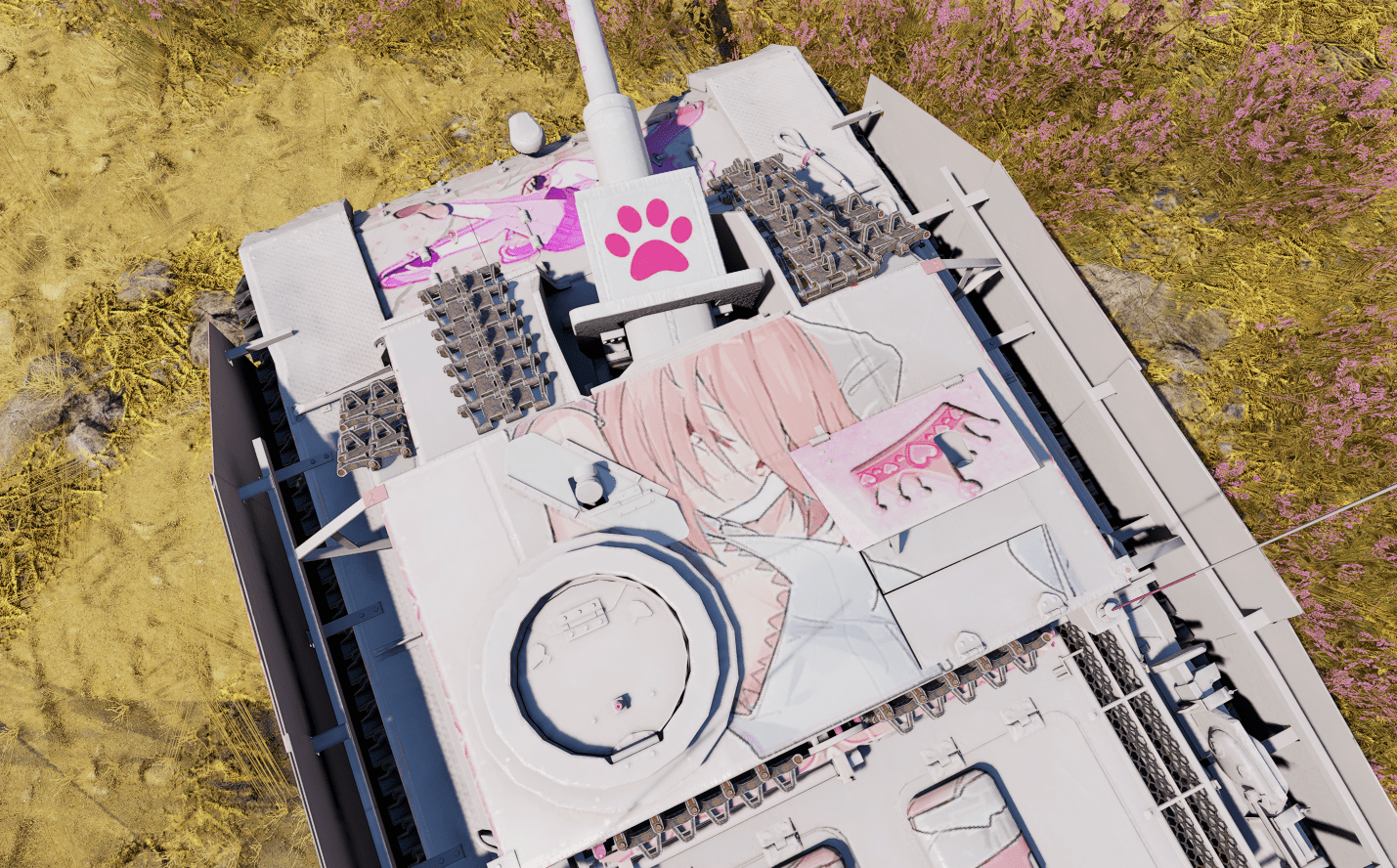
Image model: “Stug III Ausf G (4.0 BR Germany Tank)
画像モデル:「III号突撃砲G型」(ドイツ 4.0BR戦車)
ステップ1: ファイルをダウンロードし、内部フォルダを開きます。
ステップ2: WAR THUNDERを起動し、変更したい車両を選択して、カスタマイズ画面の「魔法の杖」アイコンから新しいテンプレートを作成します。
ステップ3: War Thunderのルートフォルダに移動します。場所が分からない場合は、ゲームアイコンを右クリック →「ファイルの場所を開く」を選択。その後「UserSkins」に入り、作成した車両名のフォルダを開きます。
ステップ4: 私のファイルの中身をそのフォルダにドラッグ&ドロップし、ゲーム内でスキンを再読み込みすれば完了です!
Step 1: Download the file and open the internal folder.
Step 2: Launch WAR THUNDER, select the vehicle you want to replace, and create a new template using the customization “magic wand” option.
Step 3: Go to your War Thunder root folder. If you don’t know where it is, right-click the game icon → “Open file location”. Then go to UserSkins and open the folder with the name of the vehicle you just created.
Step 4: Simply drag and drop the contents of my file into that folder, reload the skin in-game, and enjoy!