This is not a camouflage
Localization Overhaul Project
Mod Version: Release 1.2.89
Game Version: 2.25.1.19 "Sky Guardians"
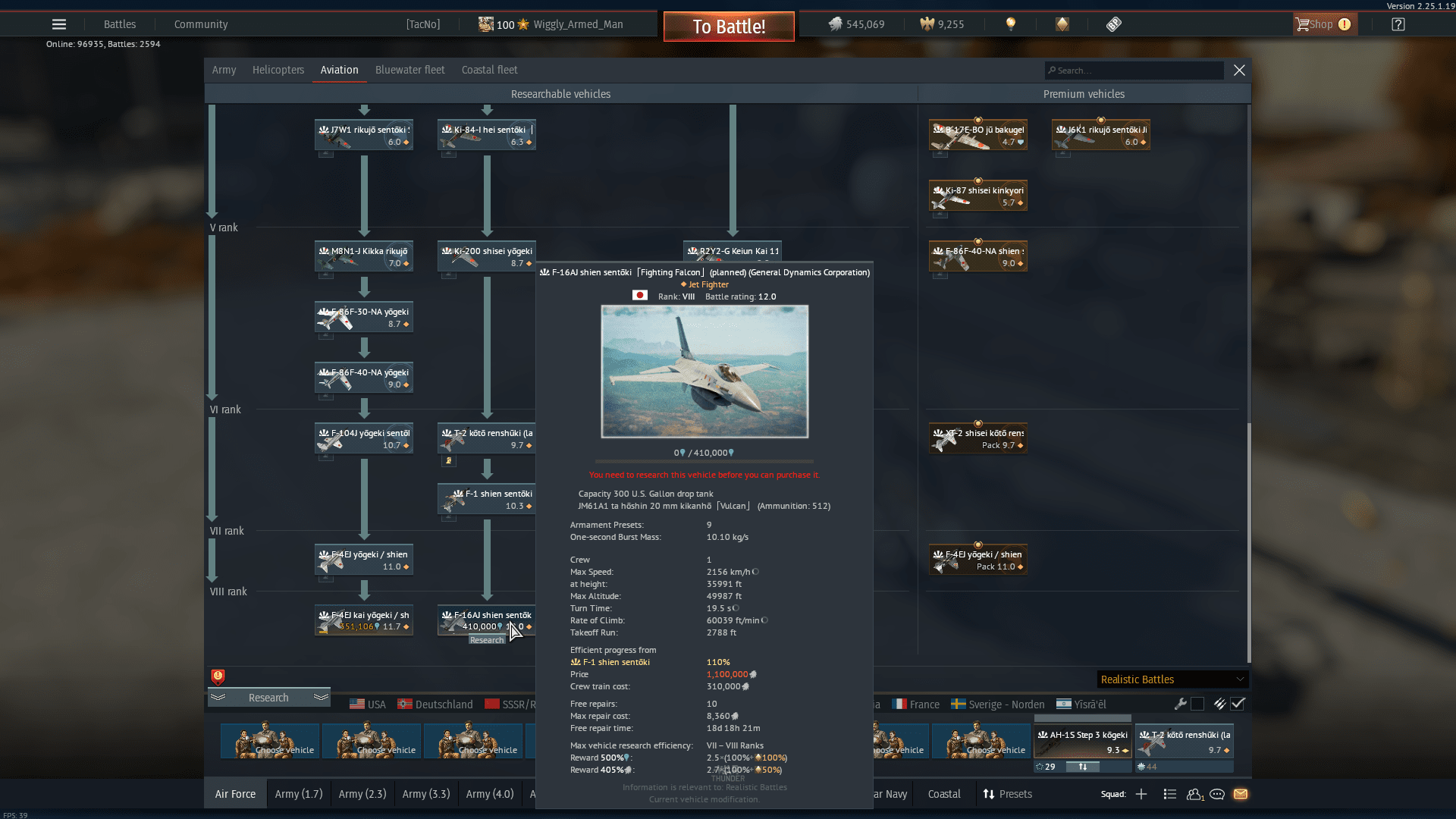
This custom localization replaces the names of all of the vehicles in the game to their full and official names. If you encounter any bugs or errors then feel free to either post here or on the official War Thunder thread for it that will be posted below.
Compared to the last version, 1.2.88, this updates the game for 2.25 "Sky Guardians".
Last version, 1.2.88:
https://live.warthunder.com/post/1060092/en/
Changelog
Localization for the 2.25 has been added.
Localization for the "Mobile Infantry" event has been added.
Colour coding is now used in modification descriptions in order to make them easier to read. A green text highlights the positive aspects that a modification has, while red text highlights the opposite. A yellow text is meant to highlight important parts of a description, which are, often times, notes or instructions for how to take advantage of a modification (i.e. chaff and flares).
Decal localization has, again, been reverted to vanilla. I've faced an unforeseen issue which is that some decals cannot have their localization changed. I do not know if it's intentional or not, but it's been bug reported with, at the time of writing this, no response from Gaijin.
By default, ammunition names have been shortened due to the killfeed changes. Where possible, official abbreviations have been used. The exceptions being Italy, which I, so far, haven't found a source for their terminology, and Japan and China, who don't have abbreviations due to using characters instead of an alphabet. For those, they use English abbreviations (i.e. HE, AP, etc.). Long ammunition names may still be enabled by following step 8a (or 6a in the README file) and installing the file from the "Long Ammunition Names" folder.
By default, Finnish vehicles now use a silver lions unicode as their national identifier. Previously, that was used by Rhodesia, which now uses the standard British roundel unicode, along with the United Kingdom itself and Canada. The swastika may still be enabled by following step 8a (or 6a in the README file) and installing the file from the "Finnish Swastika Names" folder.
Minor misspellings, missing localization, and other assorted errors have been corrected.
How to Install
1. Download the mod.
2. Right-click and the file and select 'Extract All'. Skip to step 8 if you have already enabled testLocalization:b before.
3. Find the game folder, it should be '.../War Thunder' and, if using Steam, '...Steam/steamapps/common/War Thunder'
4. Find the config.blk file.
5. Open it using Notepad, Notepad+, or Notepad++, the free download can be found here:
https://notepad-plus-plus.org/downloads/
6. Open the file, and then use Ctrl+F, the Finding tool, or find the debug{ line.
7. Copy and paste this line into the bottom, ' testLocalization:b=yes', and it should appear like this:
debug{
screenshotAsJpeg:b=yes
512mboughttobeenoughforanybody:b=yes
enableNvHighlights:t="auto"
testLocalization:b=yes
}
8. Copy and paste the "lang" folder provided by the mod into the "War Thunder" folder.
8a. Optionally, copy any of the additional submods into the newly copied "lang" folder in order to overwrite the default localization of the mod.
9. Start the game and the names should be changed.
How to get Involved
I invite anyone to help me with this project and would prefer if any critiques went either to private messages or to the official War Thunder thread. I also invite anyone to join the Discord server to be able to talk directly to me.
Official Thread:
https://forum.warthunder.com/index.php?/topic/470025-localization-overhaul-proj…
#localisation #localization #localizationoverhaulproject