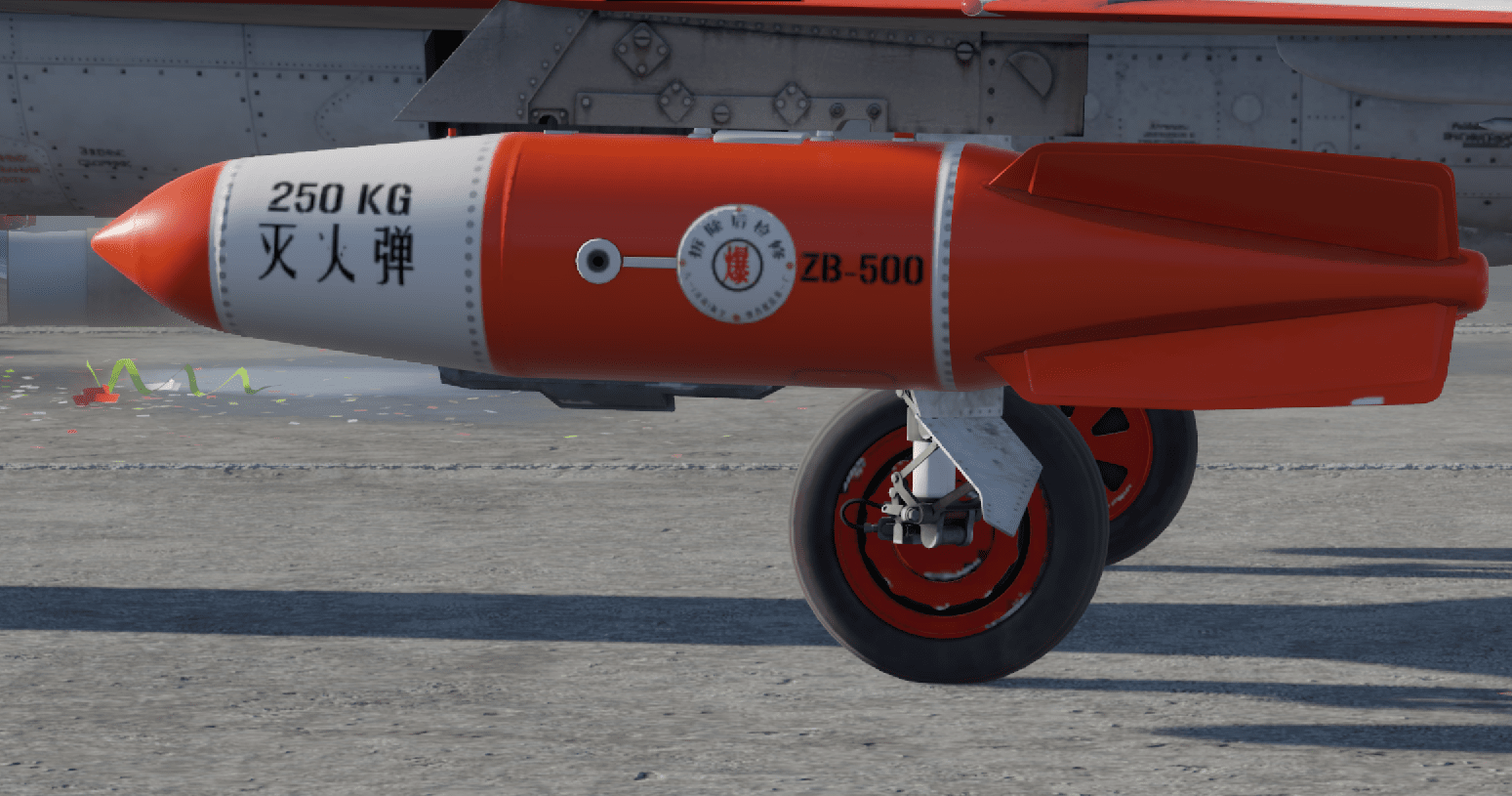
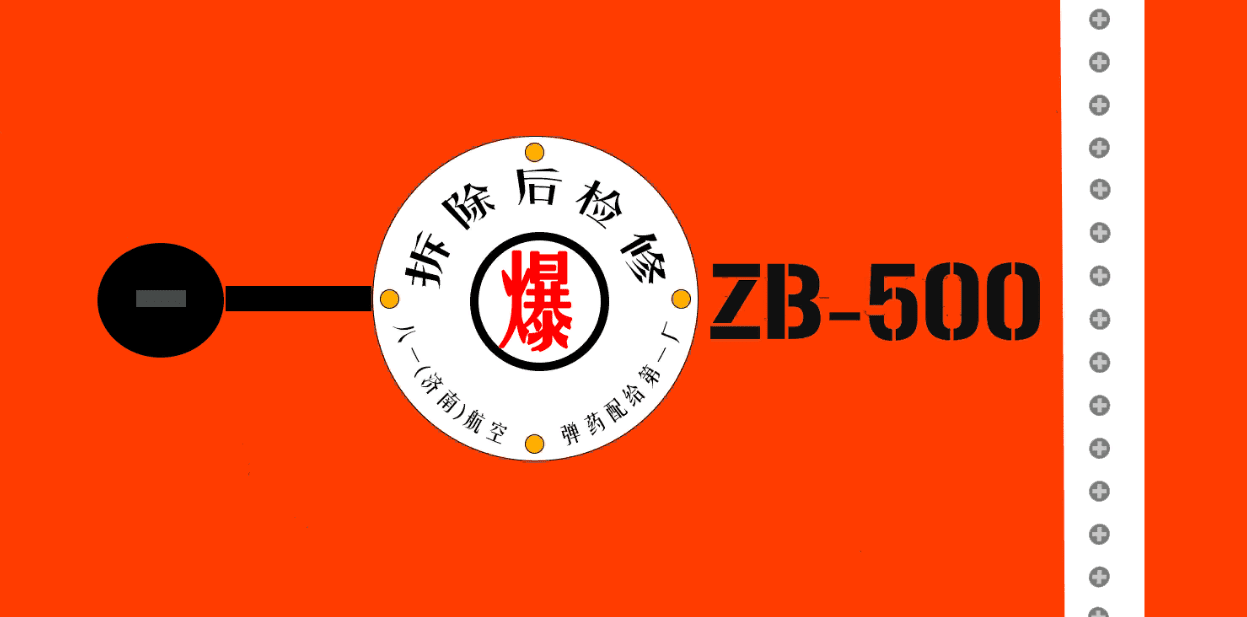
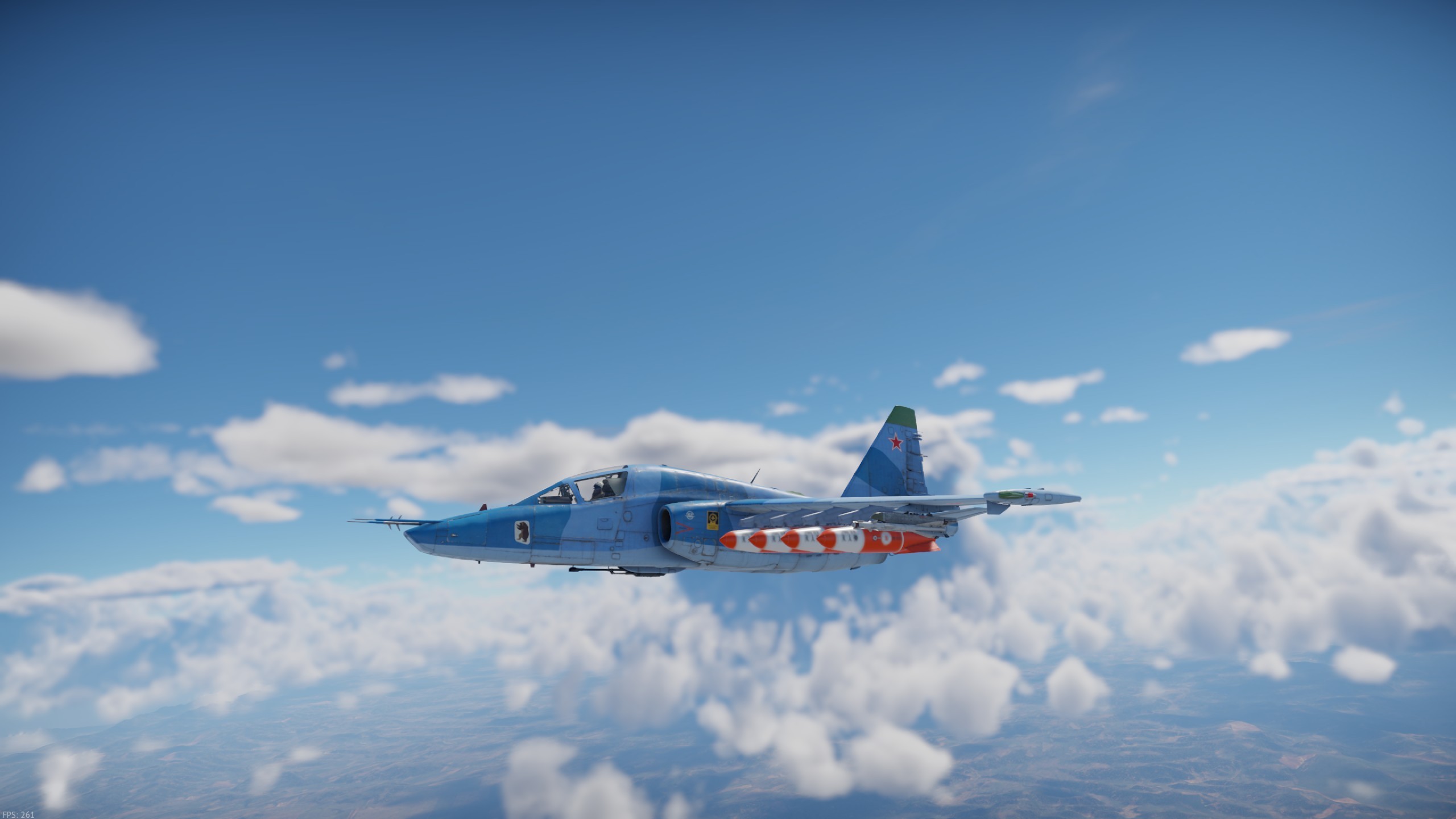
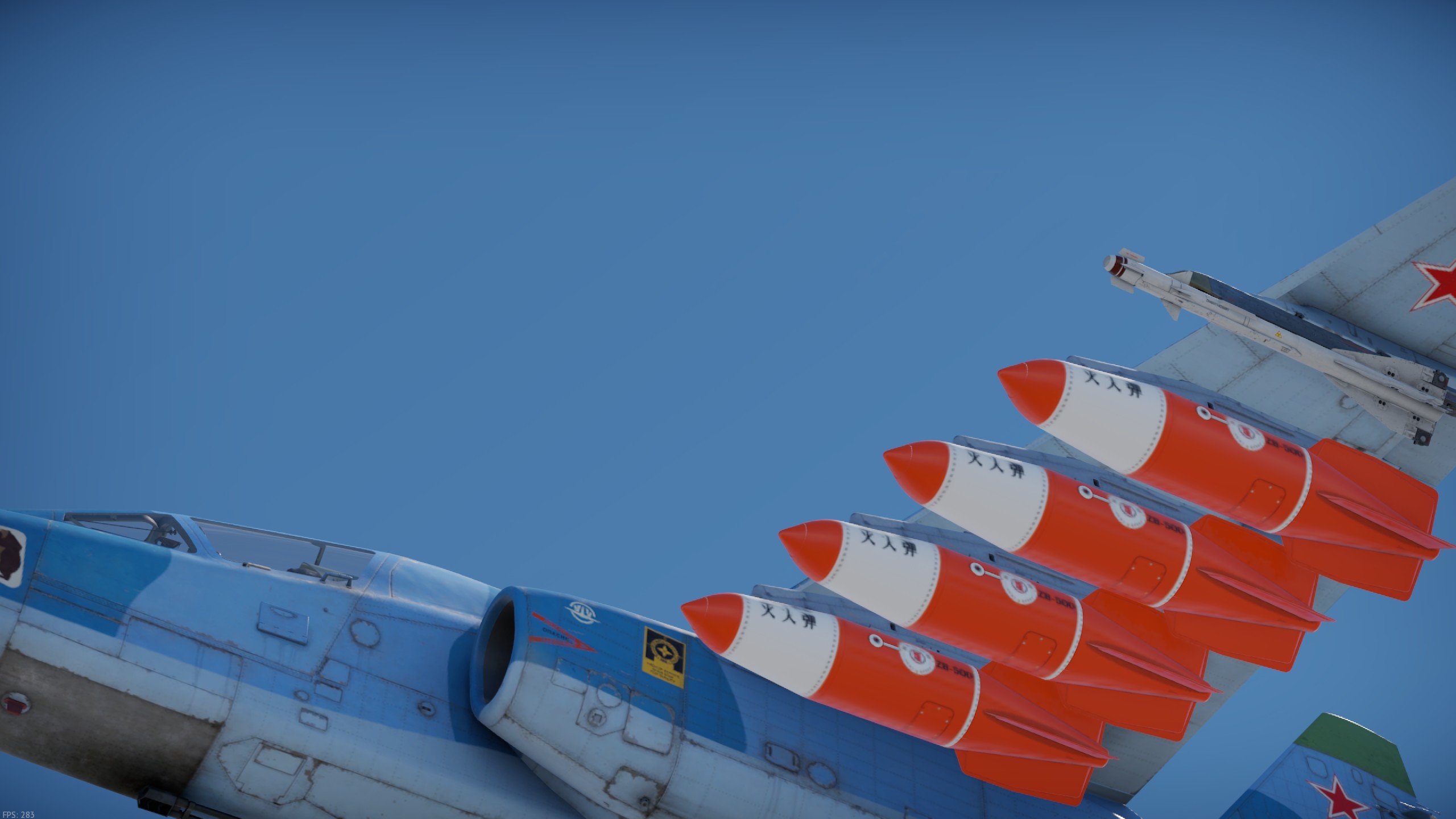
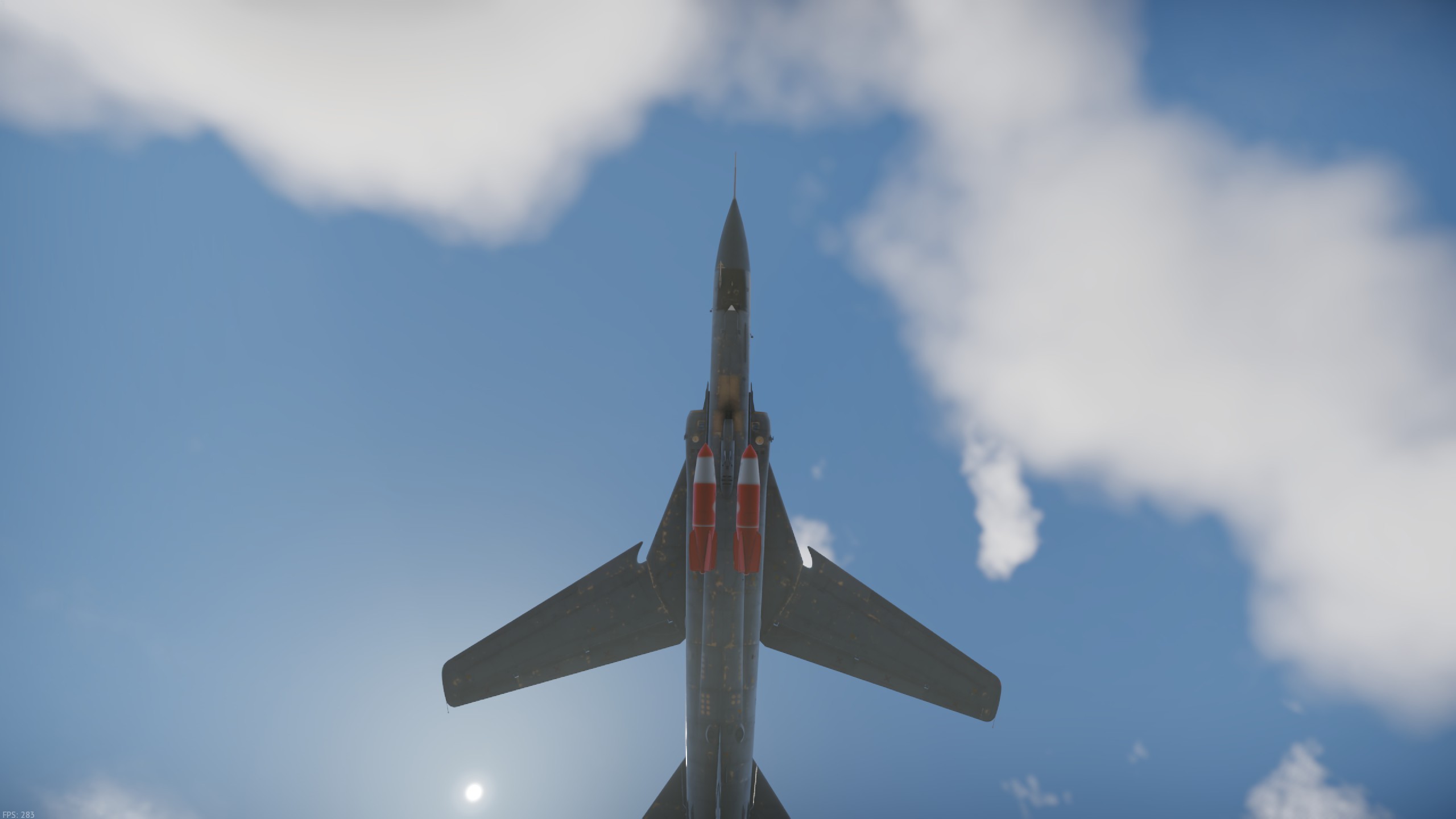
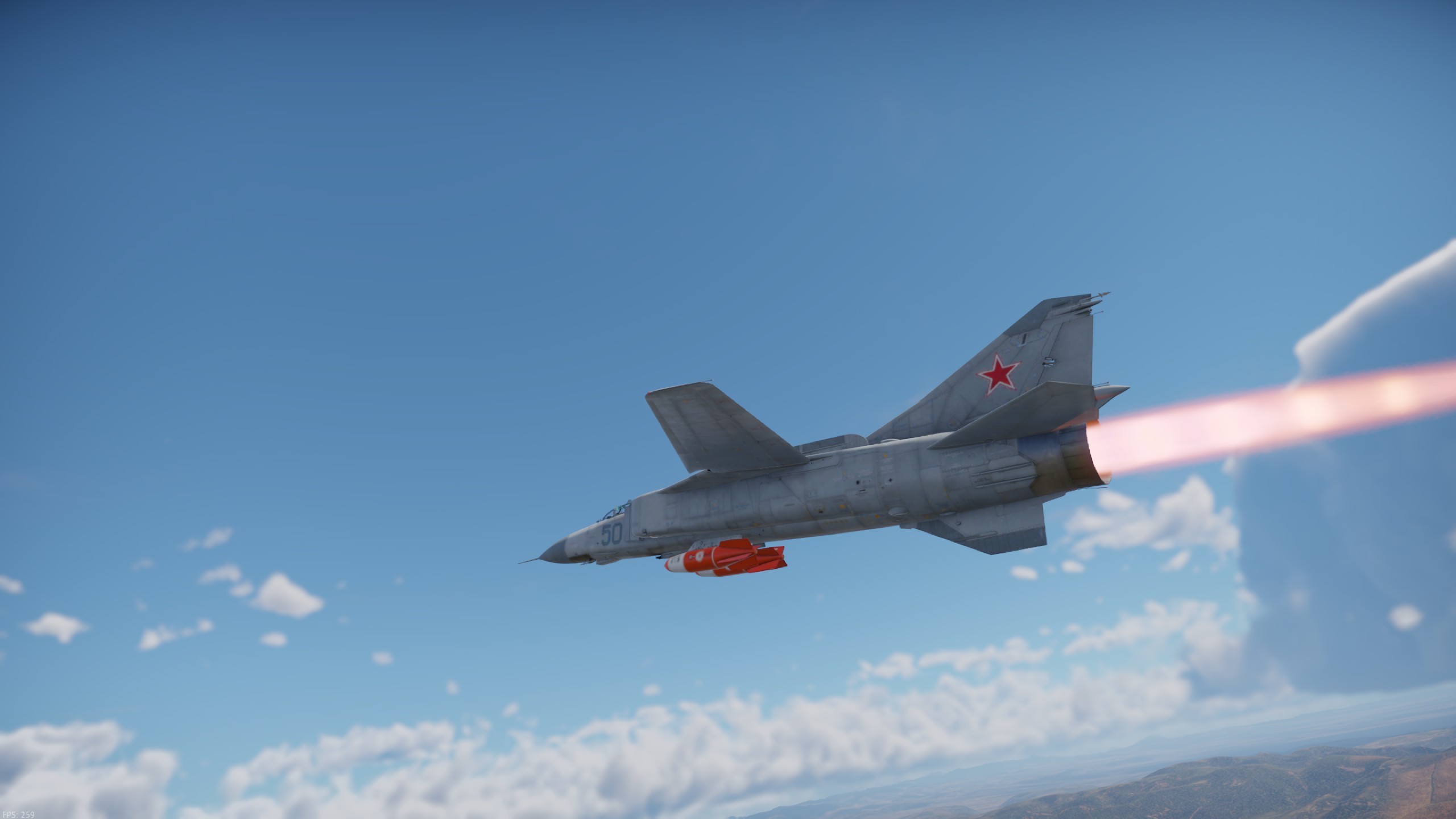
It can be installed on any custom skin and default skin. Before that, please download your favorite carrier skin from WT live and extract it to the "Userskin" folder in the game root directory. (For the default skin, please click "Create a paint template in the game directory" in the appearance customization interface, and then search for the "Userskin" folder in the game root directory to find a folder with the same name as the aircraft.) Then throw the compressed file in and extract it.
Open "ZB-500.blk" and copy all its contents, then open the paint you downloaded (or created default paint), open its "XXXXX. blk", leave a blank space at the end, copy it completely, and save it.
All is well, when the incendiary bomb is properly placed and saved, clicking "refresh" will appear in the game. Sometimes, a test flight may be required to "refresh" the file. (I suggest that when changing skins, first switch to other mounts)
It should be noted that after the bomb is dropped off the shelf, all skins in the application will be lost!