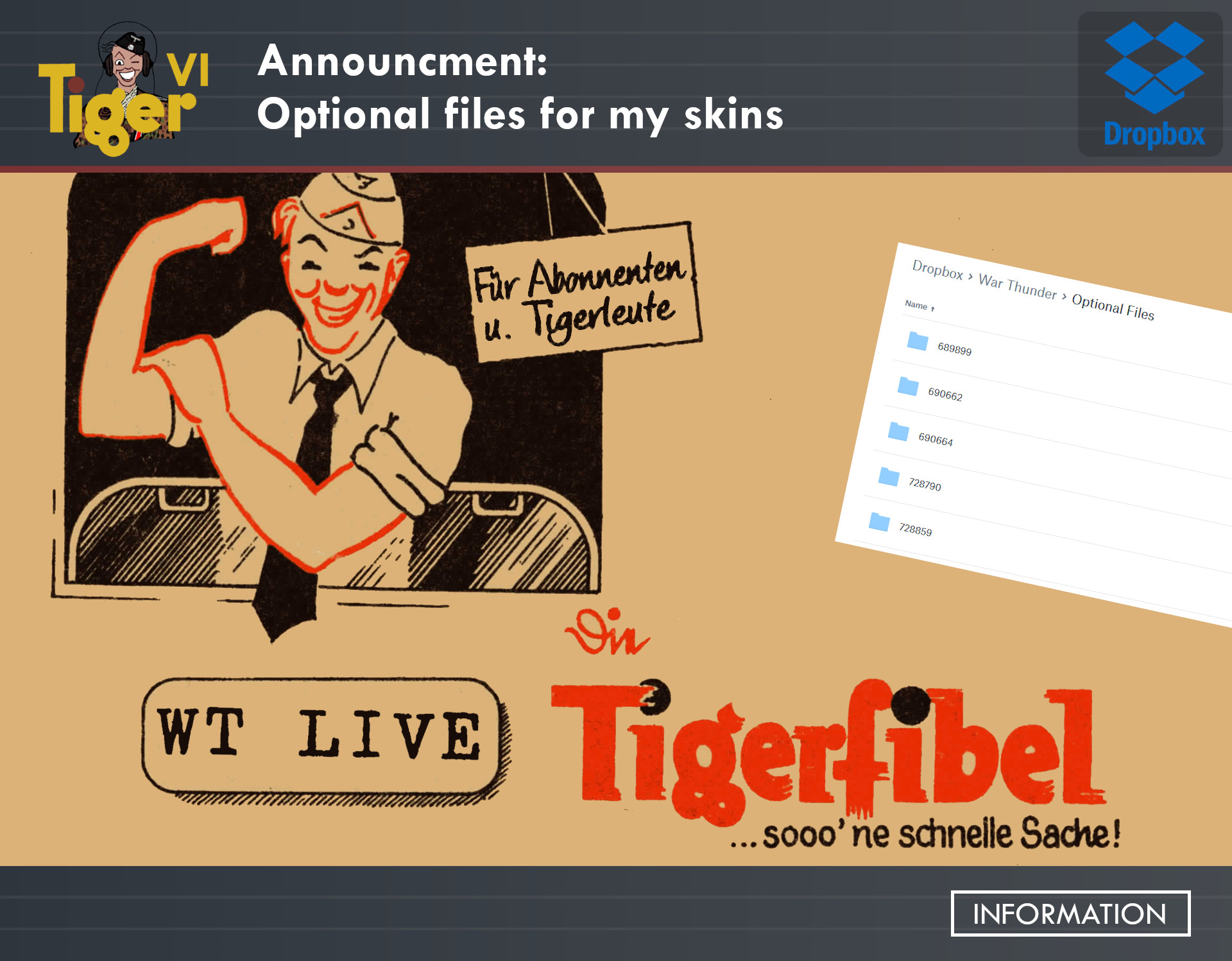
From now on you can find optional files with minor modifications for my skins inside this Dropbox folder
From now on you can find optional files with minor modifications for my skins inside this Dropbox folder
#optional_files #info #tigerfibel #dropbox
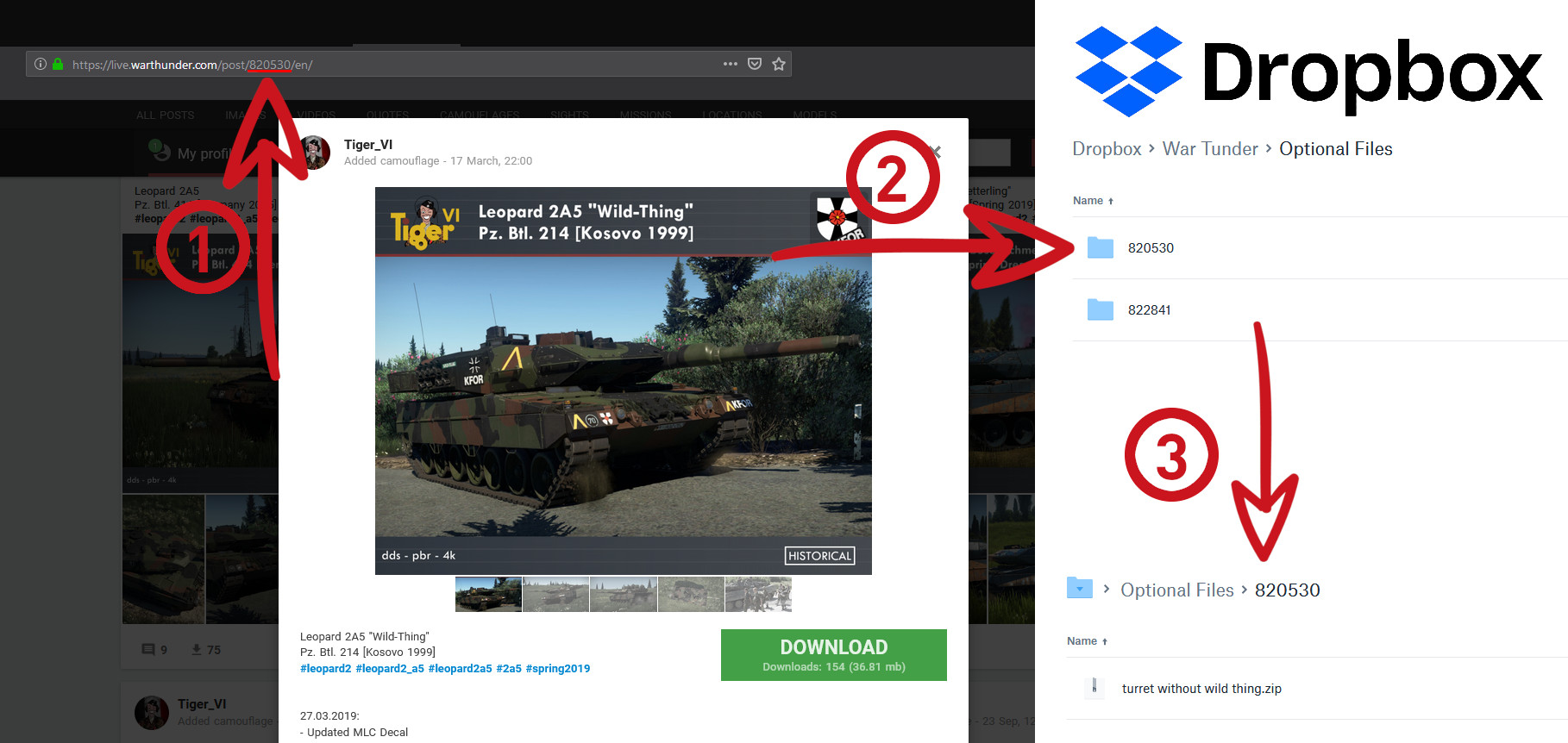
The main Dropbox folder includes sub folders which match the post number of my skin.
So if you want to look if there are some optional files for my latest Leopard 2A5 skins, just look for the number inside the URL of the post. (Open one of my skins and look at the URL in your browser, see picture 2)
https://live.warthunder.com/post/822841/en/ => 822841
Now you can look it up in the Dropbox folder and you will find a folder named 822841. In this example you will find the zip archive "4. Kompanie Pz. Btl. 414.zip". Download it and replace the files which comes my my original skin. After that you can drive Leopard from the 4th company instead of the 2nd.
Hope you like this system since it keeps my skins compatible for the marketplace and my profile is not full of additional skin posts with a lot of the same kind of skins.
Greetings Tiger_VI
Overview Optional War Thunder Skinning Files by post id
|
+---689899
| blk_sherman_jumbo.zip
|
+---690662
| blk_sherman_jumbo.zip
|
+---690664
| blk_sherman_jumbo.zip
|
+---728790
| blk_animal_tiger.zip
|
+---728859
| blk_animal_tiger.zip
|
+---729579
| blk_animal_tiger.zip
|
+---729581
| blk_animal_tiger.zip
|
+---820530
| turret without wild thing.zip
|
+---822841
| 4. Kompanie Pz. Btl. 414.zip
|
+---828182
| SS_decor_equipment_ger_c.zip
| SS_decor_equipment_ger_c_censored.zip
|
+---828985
| blk_ussr_pzkpfw_III_t3.zip
|
\---829414
blk_ussr_pzkpfw_III_t3.zip
pzkpfw_iii_ausf_j_kwk_38_l_42_body_c_dak_uncensored.zip