Alpha's Historical Localisation (V4)
Alpha's Historical Localisation (V4)
Updated for 1.97 "Viking Fury"
This is a Custom Localisation for the game which gives the vehicles in-game more historically correct, and more accurate names. These changes include:
- Allied codenames for Japanese WWII aircraft
- NATO codenames for (some) post-war Soviet tanks, and ships, and all post-war Soviet aircraft
- More correct and historically accurate names for ships
- (Work-in-progress) Correct names for helicopters (Including model name and manufacturer, as with other aircraft)
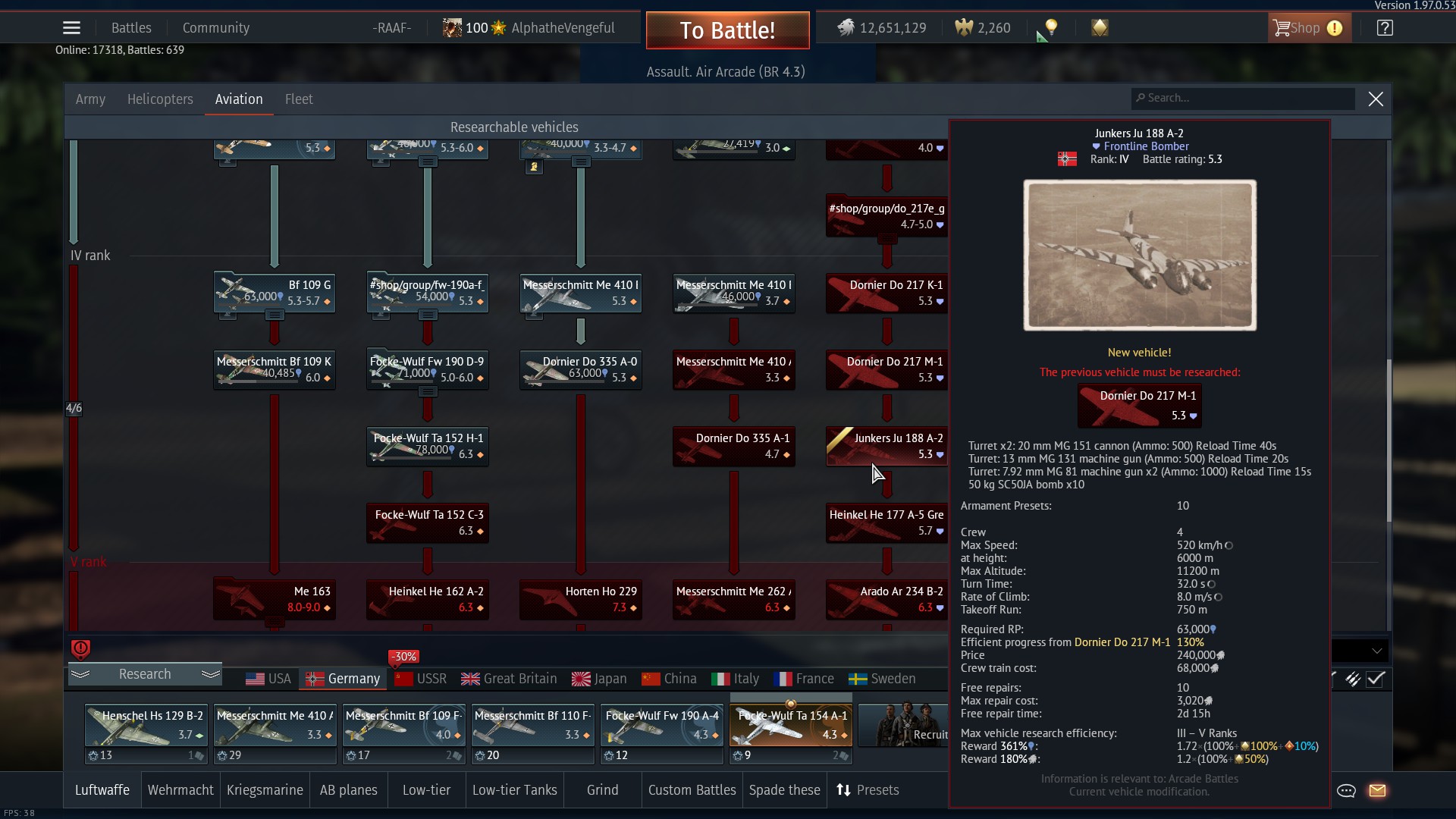
- Corrected vehicle stat-card names
- Manufacturer blocks and production blocks for applicable USAAF aircraft
- Named AI-controlled AA guns
(At the very bottom of this post are the installation instructions for the people who have never used a custom localisation before)
(For anyone that has installed this custom localisation before, just open the units.zip file, and then extract, or drag and drop the units.csv file from the .zip, into your lang folder, and replace the existing one)
New additions:
- Swedish Ground Forces have been added to the localisation file.
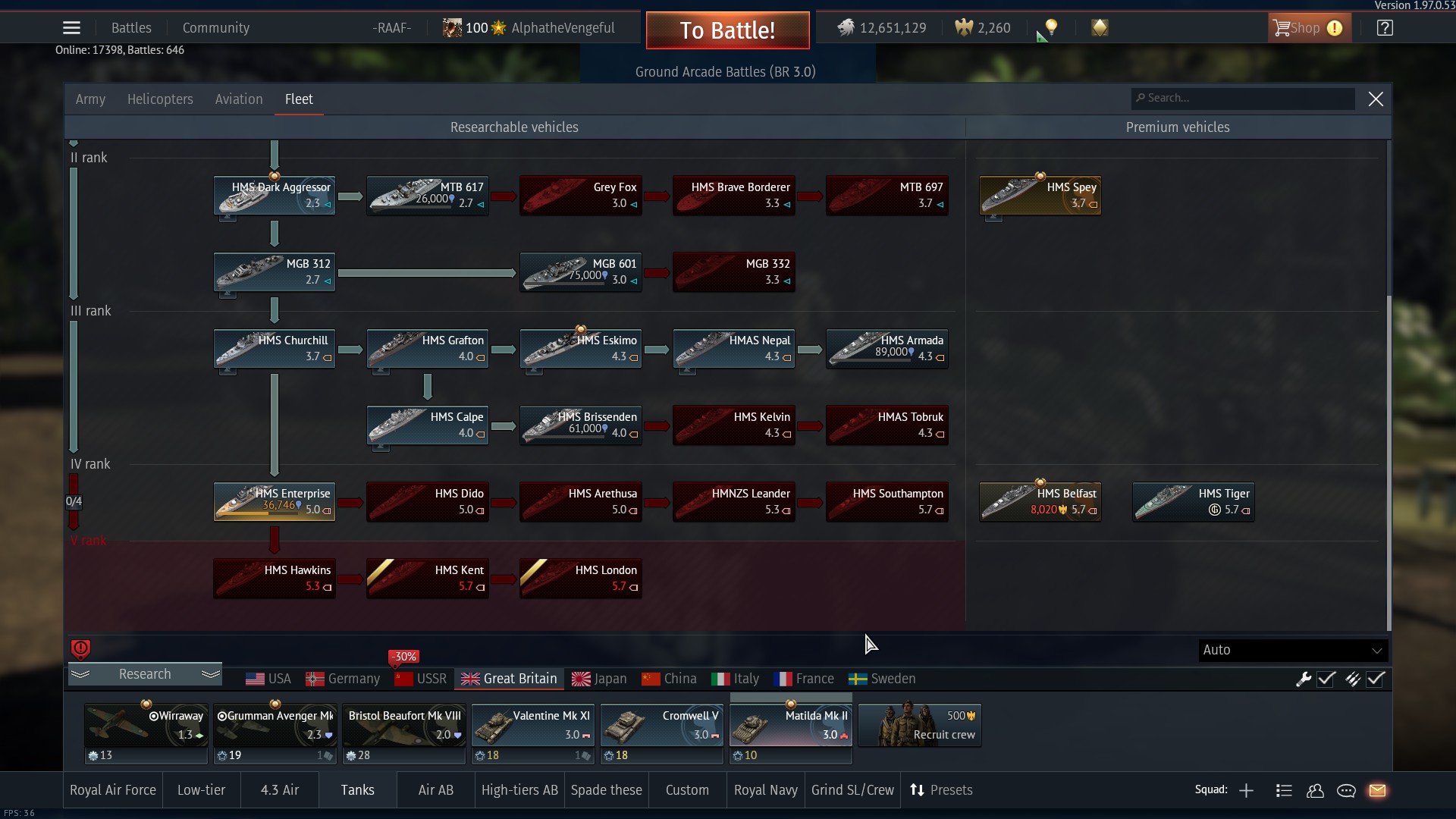
- USS Portland, HMS Kent, HMS London, IJN Mikuma, and DKM Leipzig have been added to the localisation file and have also been renamed accordingly. (The applicable ships have had their hull numbers/pennants removed from their tech-tree names and placed on their statcards.)
.
- The post-war Japanese frigate Ikazuchi, post-war German frigate Köln, post-war Soviet cruiser Sverdlov, and post-war Soviet destroyer Neustrashimy have been added to the localisation file and have also been renamed accordingly. (Just don't confuse the post-war frigate Köln with the Königsberg-class cruiser of the same name...)
- The French M3A3 Stuart, M4A3 (105) Sherman, and Crusader have been added to the localisation file. (They have also had their battle names changed accordingly.)
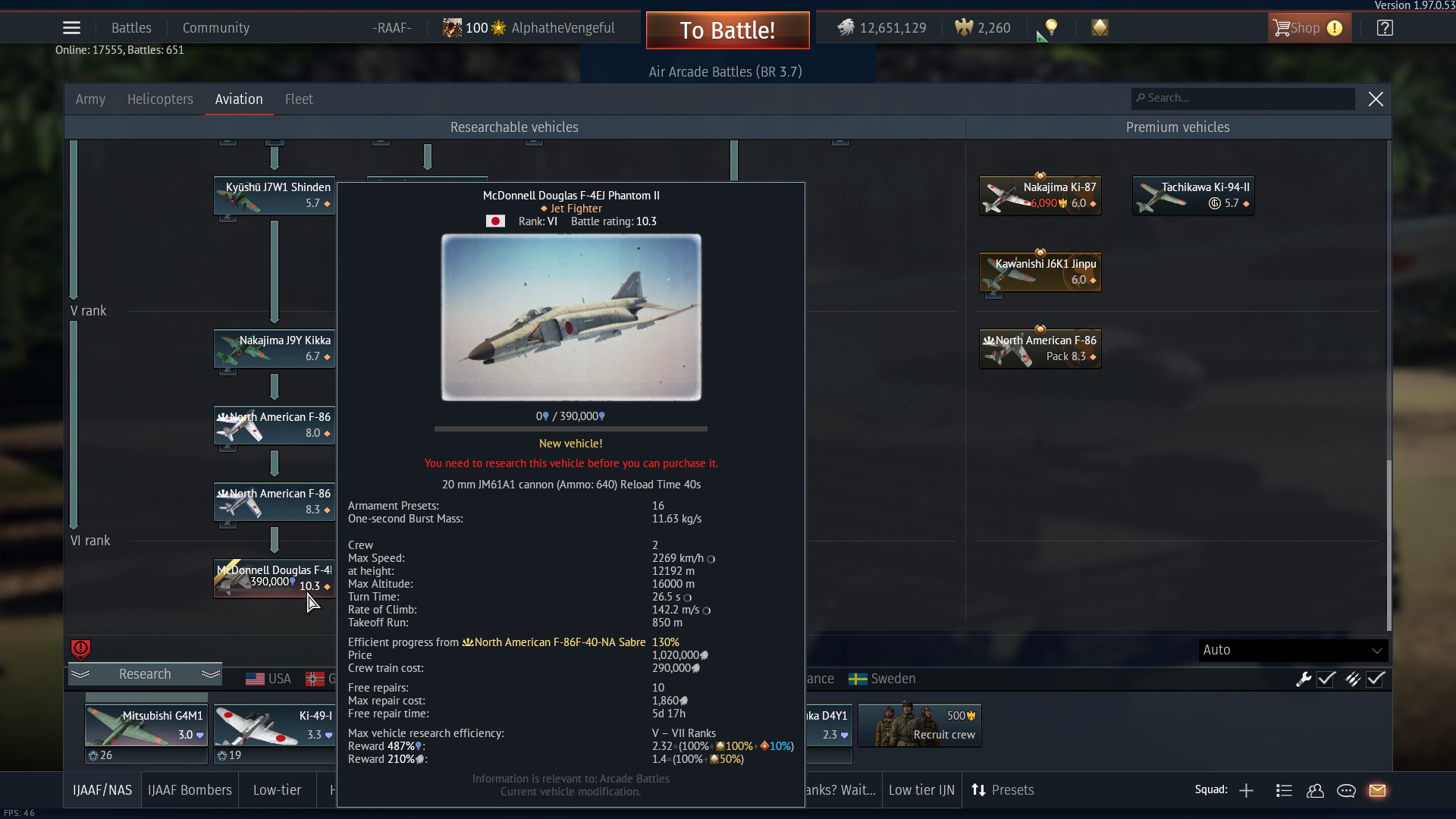
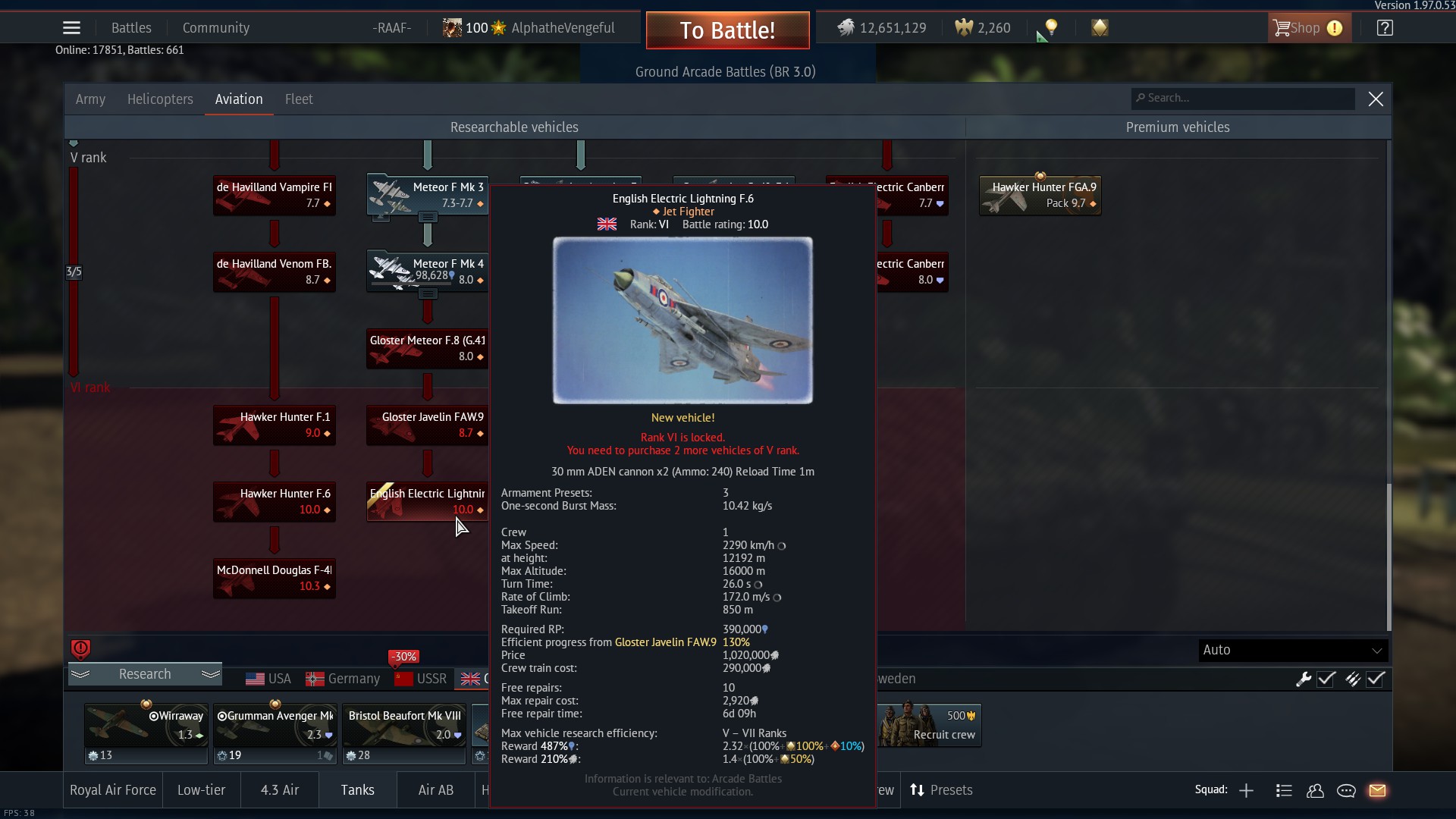
- The Lightning F.6, F-4E, A-4B, Chinese F-100, and the F-4EJ have been added to the localisation file. (They have been all been renamed accordingly.)
- The AH-64A, -64D Apaches, the British license-built AH-64D Apache, and the Ka-29 and Ka-52 have been added to the localisation file. (Renamed accordingly.)
Changes:
- HMS Nepal has been renamed to HMAS Nepal
- The non-premium "Project 7U" has been renamed to Soobrazitelny. (Believe me, it was VERY difficult to find which Project 7U destroyer Gaijin had modeled. But, based on the armament, it is the Soobrazitelny. And no, do NOT ask me to say or spell that.)
- The Jagdtiger has been renamed back to the Jagdtiger from its previous, official name, Panzerjäger Tiger Ausf. B. The tank's official name still appears on its stat card and in battle, but I changed it because I don't want people getting confused when they don't know what a Panzerjäger Tiger Ausf. B is/or haven't heard of a Jagdtiger under that name.
How to install this Custom Localisation (If you have never installed a Custom Localisation before):
1. Download the Localisation (units.zip) attached to this post.
2. Find and open where you have installed War Thunder, keep this open, you will need it for later. (For example, on Steam: *Insert drive name here* -> SteamLibrary -> steamapps -> common -> War Thunder
3. In the War Thunder folder, find and open the config.blk file.
4. In the config.blk file, scroll down until you see the line titled, debug{.
5. At the end of that line, paste in, this line, testLocalization:b=yes, and make sure it is in line with all of the other pieces of text in the file, or the localisation may not work properly.
6. Open War Thunder. (You do not need to login, just open the game up to the login screen) Close it once you have opened the game up.
7. In your War Thunder folder, you should now see a folder titled, lang.
8. In the lang folder, drag and drop (Unzip) the attached units.csv file (That is found in the .zip file of the same name) into the lang folder and replace the existing one.
9. Open War Thunder again. If everything has worked, you should see vehicle names appearing as shown in the images attached to this post.
#historical #customlocalisation #localisation