This is not a camouflage
Localization Overhaul Project
Mod Version: Release, 1.2.2
Game Version: 2.1.0.94 "New Power"
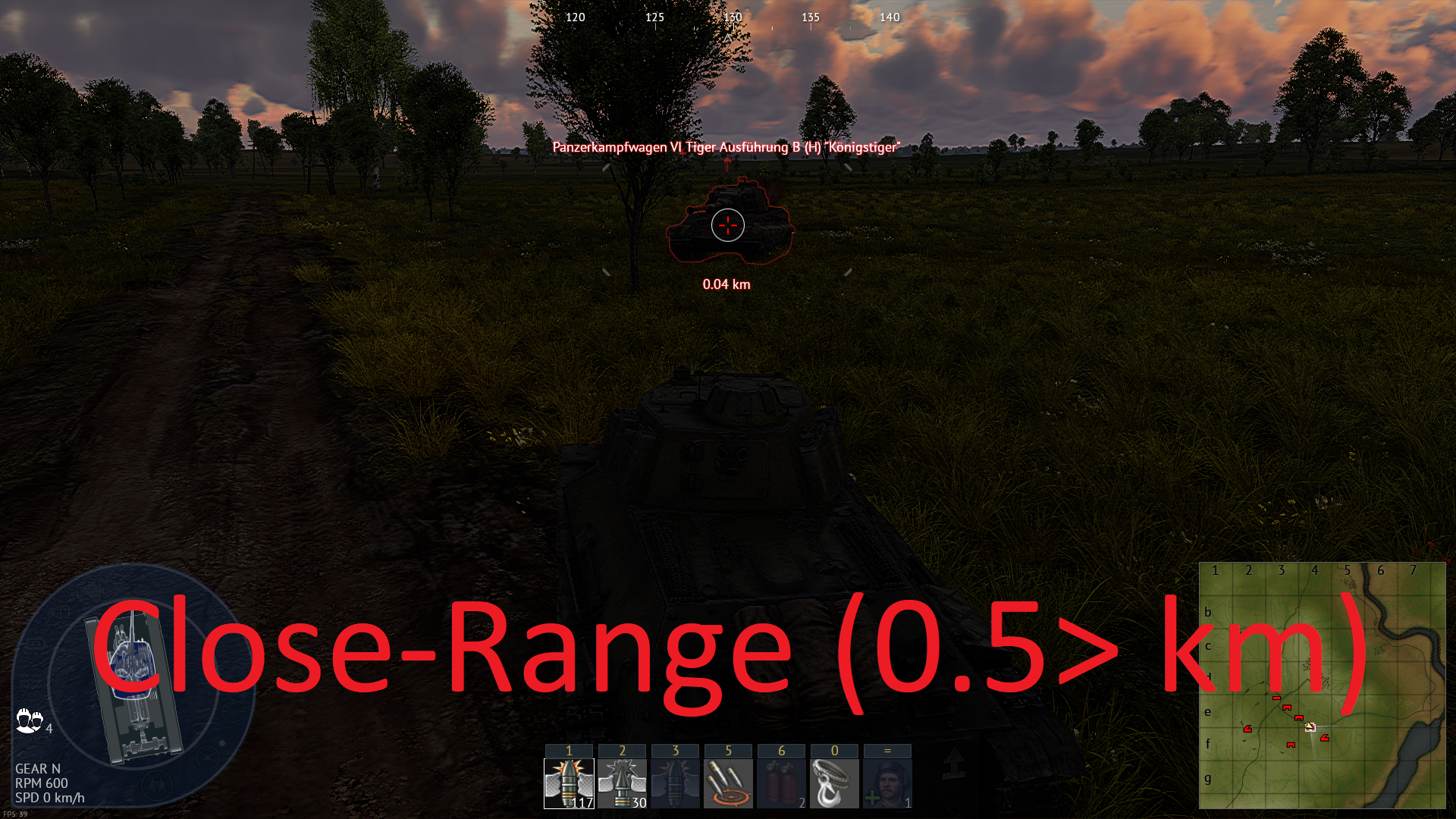
This custom localization replaces the names of all of the vehicles in the game to their full and official names. If you encounter any bugs or errors then feel free to either post here or on the official War Thunder thread for it that will be posted below.
IMPORTANT An additional step is needed in installing new versions of the mod if you have a PREVIOUS VERSION INSTALLED. This is deleting the lang folder and then restarting War Thunder in order to generate it again. The reason for this is that I do not update the other files aside from the units.csv and units_weaponry.csv. This means that the other files, such as for the UI and decals, remains outdated unless you regenerate the lang folder with the updated files. IMPORTANT
Compared to the last version, 1.2.1, this update adds the missing code for part of the new Twitch Drop introduces a revision to the German ground tree and a correction to the Italian air tree among other small changes.
Last version, 1.2.1:
https://live.warthunder.com/post/945024/en/
Changelog
Code for the P-40E-1-CU (Twitch Drop) and the A-4E has been added.
Sd.Kfz. designations have been removed from the close-range names (0 to 50 meters) on the respective German vehicles but have been extended to their full "Sonderkraftfahrzeug" on their shop names.
The names of the FIAT Type 6614 and the AUBL/74 has been clarified along with the M60A1 being clarified as the last tank being called "Medio".
The company name Fiat has been changed to FIAT in the aircraft that use it.
Italian aerial abbreviations have been extended to their full where they're needed, i.e. "CN" is now "Caccia Notturna" in the close-range names (0 to 500 meters).
The names of the No. 6 heavy tank, the Italian Oerlikon, and the Iacobi's J 8A have been fixed.
How to Install
1. Download the mod.
2. Right-click and the file and select 'Extract All'.
3. Find the game folder, it should be '.../War Thunder' and, if using Steam, '...Steam/steamapps/common/War Thunder'
4. Find the config.blk file.
5. Open it using Notepad, Notepad+, or Notepad++, the free download can be found here:
https://notepad-plus-plus.org/downloads/
6. Open the file, and then use Ctrl+F, the Finding tool, or find the debug{ line.
7. Copy and paste this line into the bottom, ' testLocalization:b=yes', and it should appear like this:
debug{
screenshotAsJpeg:b=yes
512mboughttobeenoughforanybody:b=yes
enableNvHighlights:t="auto"
testLocalization:b=yes
}
8/a. Start up the game, after that in /War Thunder a folder called /lang should be generated.
8/b. If you have already done steps 1 through 8/a before, then make sure to delete the lang file and follow step 8/a again. This is to update the localization files I don't mess with, like the decals and UI, and can become outdated if you don't do this.
9. Copy and paste the mod's file, units.csv and units_weaponry.csv, into the folder and replace the units.csv and the units_weaponry.csv in the folder.
10. Restart the game and the names should be changed.
How to get Involved
I invite anyone to help me with this project and would prefer if any critiques went either to private messages or to the official War Thunder thread. I also invite anyone to join the Discord server to be able to talk directly to me.
Official Thread & Full Changelog:
https://forum.warthunder.com/index.php?/topic/470025-localization-overhaul-proj…
#localisation #localization #localizationoverhaulproject