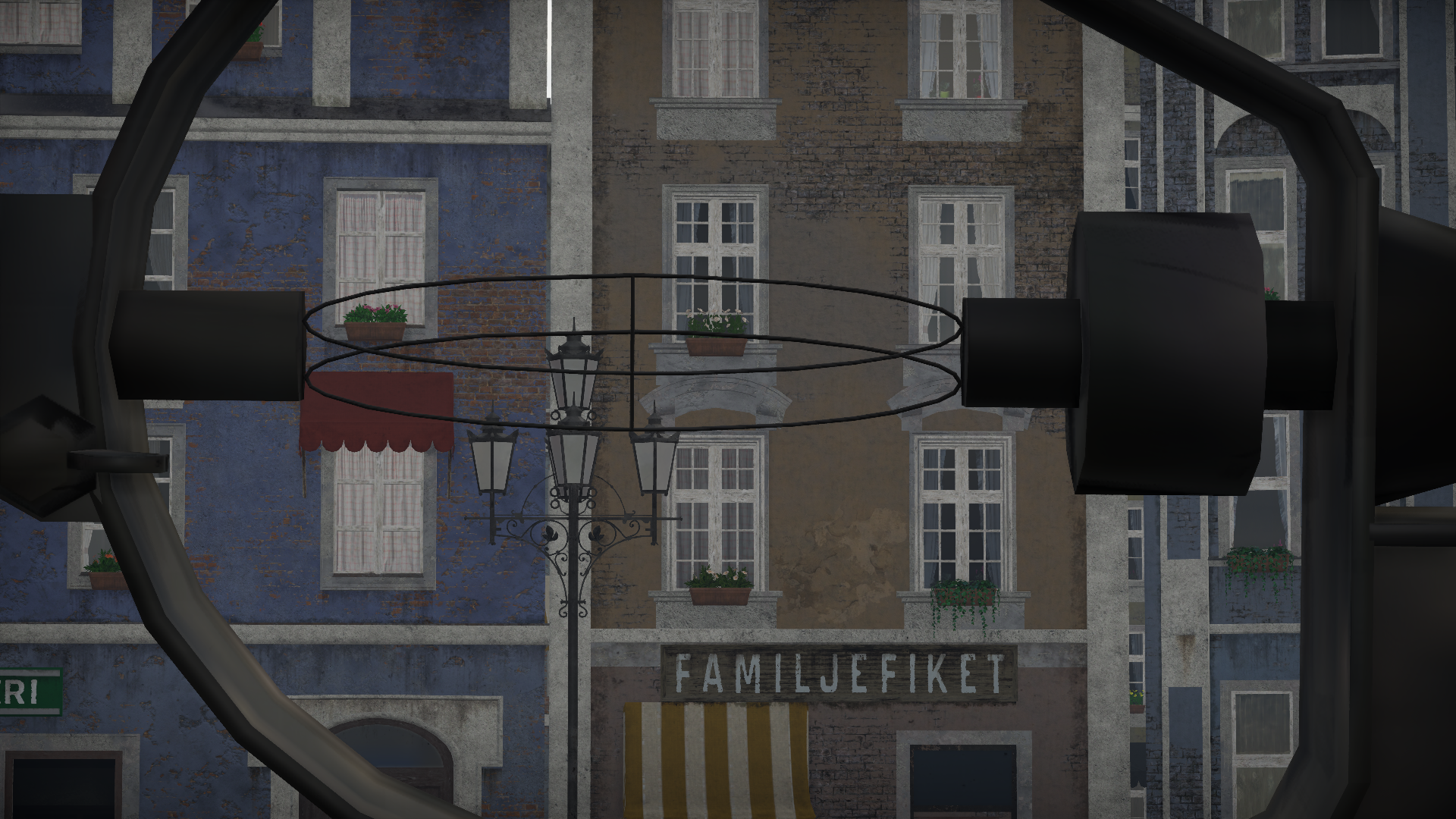
version1 of the file as seen in the picture.
rear sight done, might add frontsight but thats probably gonna be to much clutter for a 2D image
the circle diameter stands for 600m INGAME, I dont know what the historical diameter is but this makes it playable ingame
montage which features the sight at 6:33:
Setting up custom sights
1)Take the vehicle for a Test Drive, then go to game settings → Main → main parameters.
2)In the heading “Use alternative sight grid”, select “Add a grid sight”.
3)In the UserSights folder in the game directory, a folder will be created with the name of the selected vehicle and a BLK file (sight_1),
which is an example of a standard sight.
4)Without exiting the game, copy the user-made sight into the created folder with the vehicle name.
in case you use steam this would be SteamLibrary\steamapps\common\War Thunder\UserSights\sw_pvlvv_fm42
5)Go back to the game, press Alt+F9 to update the game data and select the imported sight.
If you don't have the vehicle you are test driving selected in your hangar, the custom sight might not appear in your selection list.